
Choosing a customer relationship management (CRM) platform feels like a software decision, but it’s actually a systems-level choice that impacts your entire operation. A CRM isn't just a digital rolodex; it's the central nervous system for your client data, sales pipeline, and marketing automation. Get this choice right, and you build a scalable engine for growth. Get it wrong, and you're left with expensive software your team ignores, leading to lost leads and fragmented data.
The core problem we see is business owners treating CRM selection like a shopping trip. They focus on feature lists instead of diagnosing the underlying operational gaps the CRM needs to solve. In this article, we’ll show you how to diagnose your needs and choose the best CRM for your small business—one that solves the right problems and sets the foundation for measurable growth.
We’ve analyzed the top platforms from an engineering mindset, focusing on what works for manufacturers, local services, and B2B companies. For each option, we provide:
- A concise profile with key features and pricing.
- Transparent pros and cons based on real-world implementation.
- Actionable insights into which CRM fits specific business types.
- Direct links to evaluate each platform efficiently.
1. Salesforce Starter (Salesforce)
For small businesses that anticipate significant growth, Salesforce Starter offers a simplified entry point into a world-class CRM ecosystem. It bundles core sales, service, and marketing features into a single suite, removing the complexity often associated with enterprise-grade software. This makes it one of the best crm for small business options for teams that need a robust foundation with a clear, scalable future.
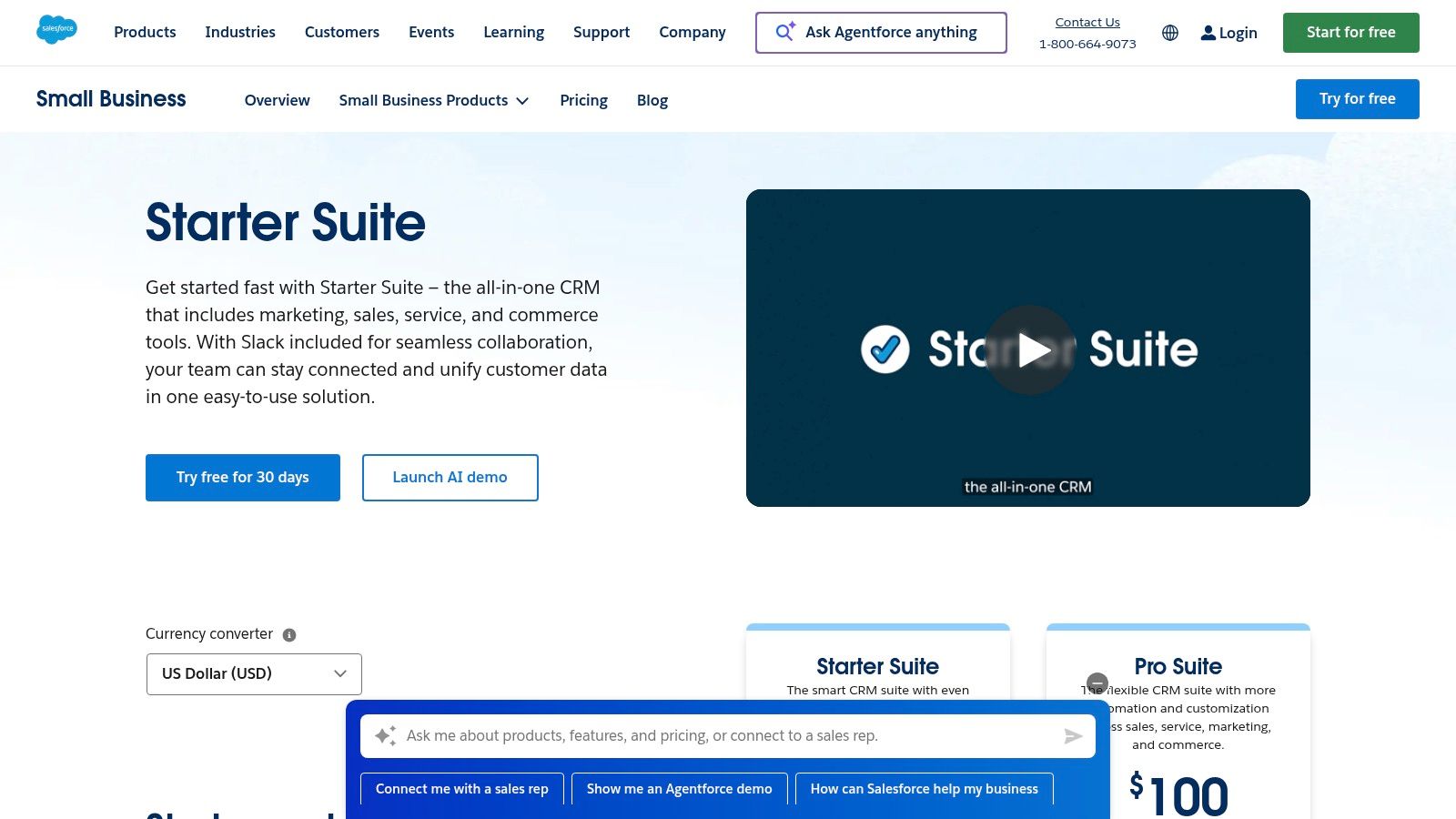
Unlike competitors that lock you into rigid yearly contracts, Salesforce Starter provides a transparent, low-cost monthly plan. This flexibility is crucial for managing cash flow while accessing powerful tools for lead, account, and opportunity management. The platform’s guided onboarding helps new users get running quickly. While it lacks the deep customization of its more expensive siblings, it provides a direct migration path to higher Salesforce tiers as your operational needs evolve. Making the right choice from the start is crucial, so we've detailed more on this in our guide on how to choose a CRM system.
Key Considerations for Salesforce Starter
| Category | Details |
|---|---|
| Pricing | Starts at $25/user/month (billed annually) with a monthly option available. |
| Best For | Growing small businesses, startups, and companies planning to scale operations. |
| Pros | Low entry price, access to the extensive AppExchange, clear upgrade path within the Salesforce ecosystem. |
| Cons | Limited automation and customization; add-on costs for features like advanced email sends can increase the total price. |
Go to Salesforce Starter
2. HubSpot
For businesses seeking a powerful, all-in-one platform that can start for free, HubSpot is a dominant player. It combines sales, marketing, and service hubs into a single, unified system, eliminating the need to juggle multiple disconnected tools. This makes it one of the best crm for small business options for teams that want a comprehensive solution that can grow with them from day one.
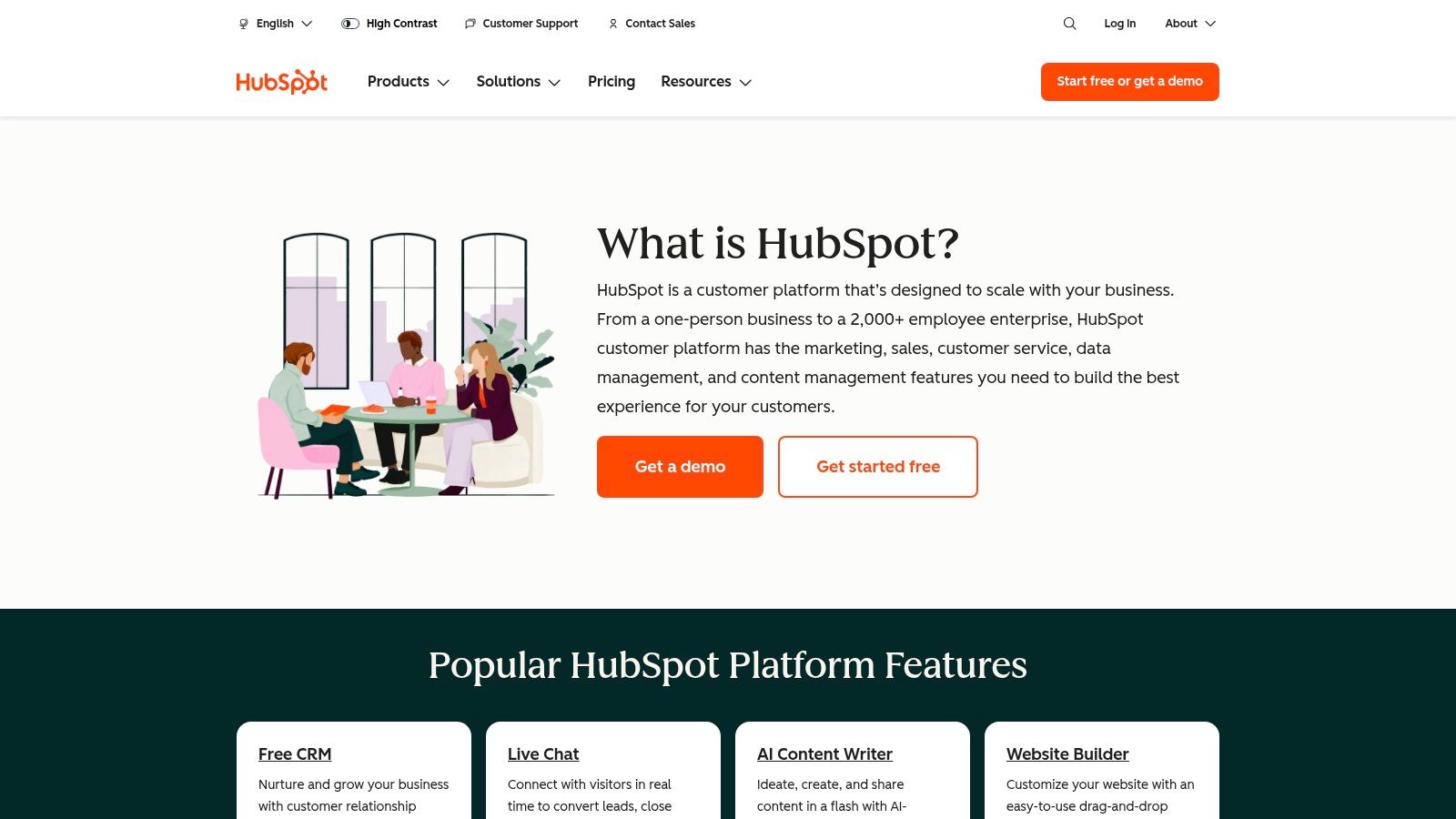
HubSpot's free CRM is remarkably capable, offering tools like contact management, deal pipelines, and meeting schedulers at no cost. This allows you to establish a solid operational foundation immediately. As your needs grow, you can upgrade specific hubs (Sales, Marketing, etc.) independently, providing flexibility in how you scale your investment. The platform's user-friendly interface and extensive knowledge base make it easy for teams to get started, and its large integration ecosystem ensures it connects with the tools you already use. For a deeper look at its capabilities, explore our guide on using HubSpot for lead generation.
Key Considerations for HubSpot
| Category | Details |
|---|---|
| Pricing | Free CRM available. Paid plans start at $15/user/month (billed annually). |
| Best For | Businesses of all sizes looking for a free, powerful starting point with all-in-one marketing, sales, and service capabilities. |
| Pros | Robust free tier, consolidated platform reduces tool sprawl, highly intuitive user interface, broad third-party integration ecosystem. |
| Cons | Costs can increase significantly with Professional and Enterprise tiers; some advanced automations and features are gated to higher plans. |
Go to HubSpot
3. Zoho CRM
For small businesses seeking an all-in-one ecosystem that can expand with them, Zoho CRM is a powerful and budget-friendly choice. It stands out with a generous free plan and aggressive per-user pricing, making it one of the best crm for small business options for companies needing comprehensive features without a hefty initial investment. Its true strength is its seamless integration with over 40 other Zoho applications, creating a single operating system for your entire business.
Unlike competitors that focus solely on sales, Zoho CRM provides a platform that can grow to manage finance, projects, and customer support. This makes it ideal for businesses looking to consolidate their tech stack and avoid the complexity of managing disconnected tools. The platform offers deep customization for SMB workflows, from lead management to deal automation. Getting the initial setup right is key, as we detail in our guide on how to implement a CRM system, to fully leverage its capabilities from day one.
Key Considerations for Zoho CRM
| Category | Details |
|---|---|
| Pricing | Free plan for up to 3 users. Paid plans start at $14/user/month (billed annually). |
| Best For | SMBs needing an affordable, all-in-one platform with extensive native app integrations. |
| Pros | Excellent value with a free forever tier, highly customizable, and part of a broad ecosystem of business apps. |
| Cons | Advanced AI features are locked behind higher-priced tiers, and the quality of customer support can vary without a paid plan. |
Go to Zoho CRM
4. Pipedrive
Pipedrive is built for one purpose: to help salespeople sell more. Its intuitive, activity-based selling approach makes it a standout choice for small businesses that need a CRM focused squarely on closing deals. The platform is designed around a visual sales pipeline, allowing your team to see exactly where every prospect is and what action to take next. This makes it one of the best crm for small business options for sales-driven teams who value simplicity and clarity.
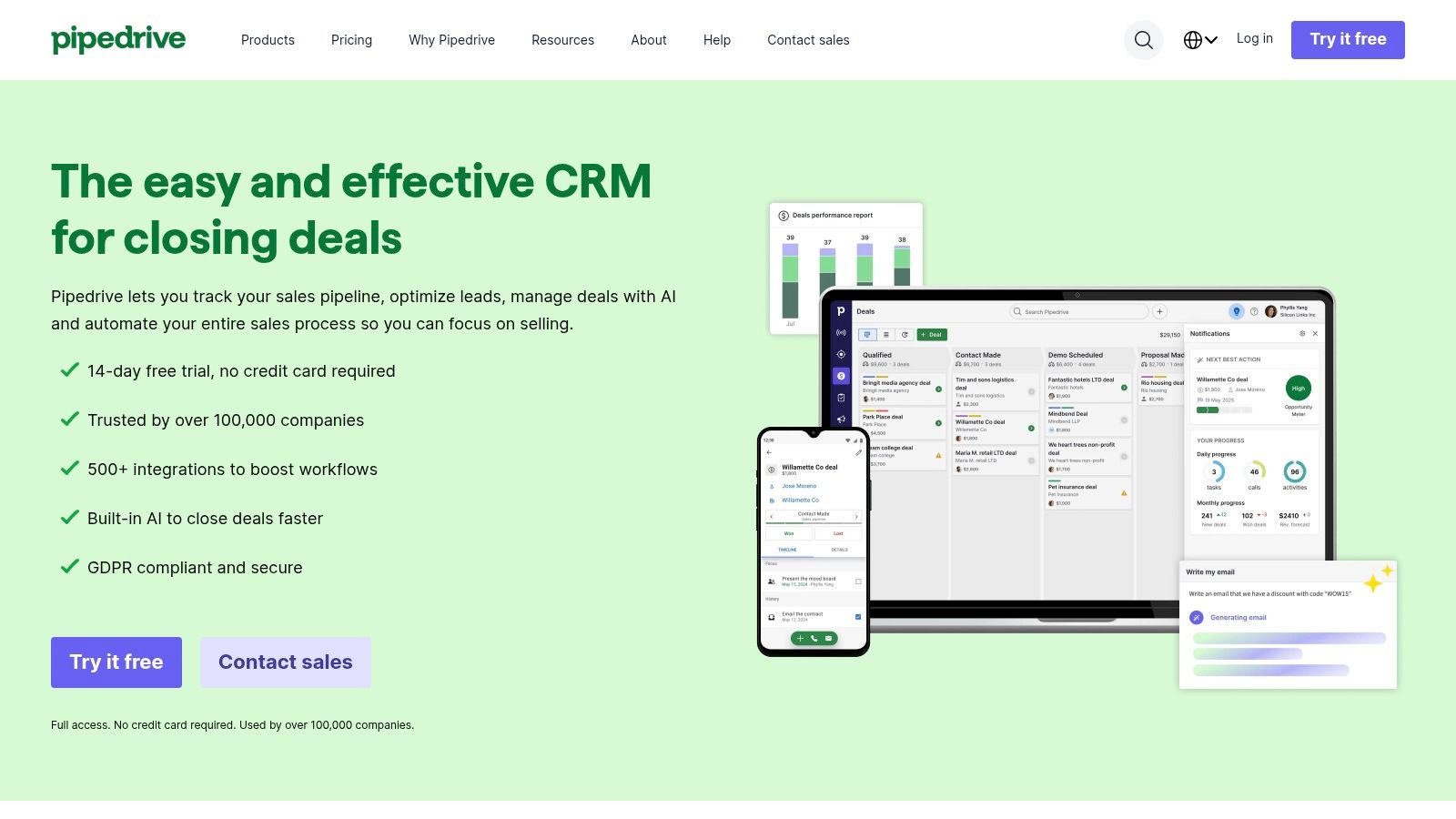
Unlike all-in-one platforms that can be complex, Pipedrive’s strength is its streamlined user experience. The drag-and-drop interface requires minimal training, enabling fast adoption across your team. Features like email sync and meeting scheduling are tightly integrated to reduce admin tasks and keep reps focused on revenue-generating activities. While it relies on add-ons for broader marketing tools, its massive integration library ensures it connects seamlessly with the other software you already use.
Key Considerations for Pipedrive
| Category | Details |
|---|---|
| Pricing | Starts at $14.90/user/month (billed annually). Free 14-day trial available. |
| Best For | Sales-focused SMBs, real estate agents, and any business with a clear, linear sales process. |
| Pros | Extremely intuitive UI and fast adoption for SMB sales teams, good reporting for core sales metrics, and a large integration library. |
| Cons | Some automation and advanced reporting features are restricted to mid/high tiers. No permanent free plan is offered (trial only). |
Go to Pipedrive
5. Freshsales (Freshworks)
For small businesses that need sales, marketing, and support tools unified in one place, Freshsales offers a compelling all-in-one solution. It integrates native communication tools—like chat, email, and phone—directly into the CRM, reducing the need for costly third-party add-ons. This makes it one of the best crm for small business options for teams that prioritize direct customer engagement and a streamlined tech stack.
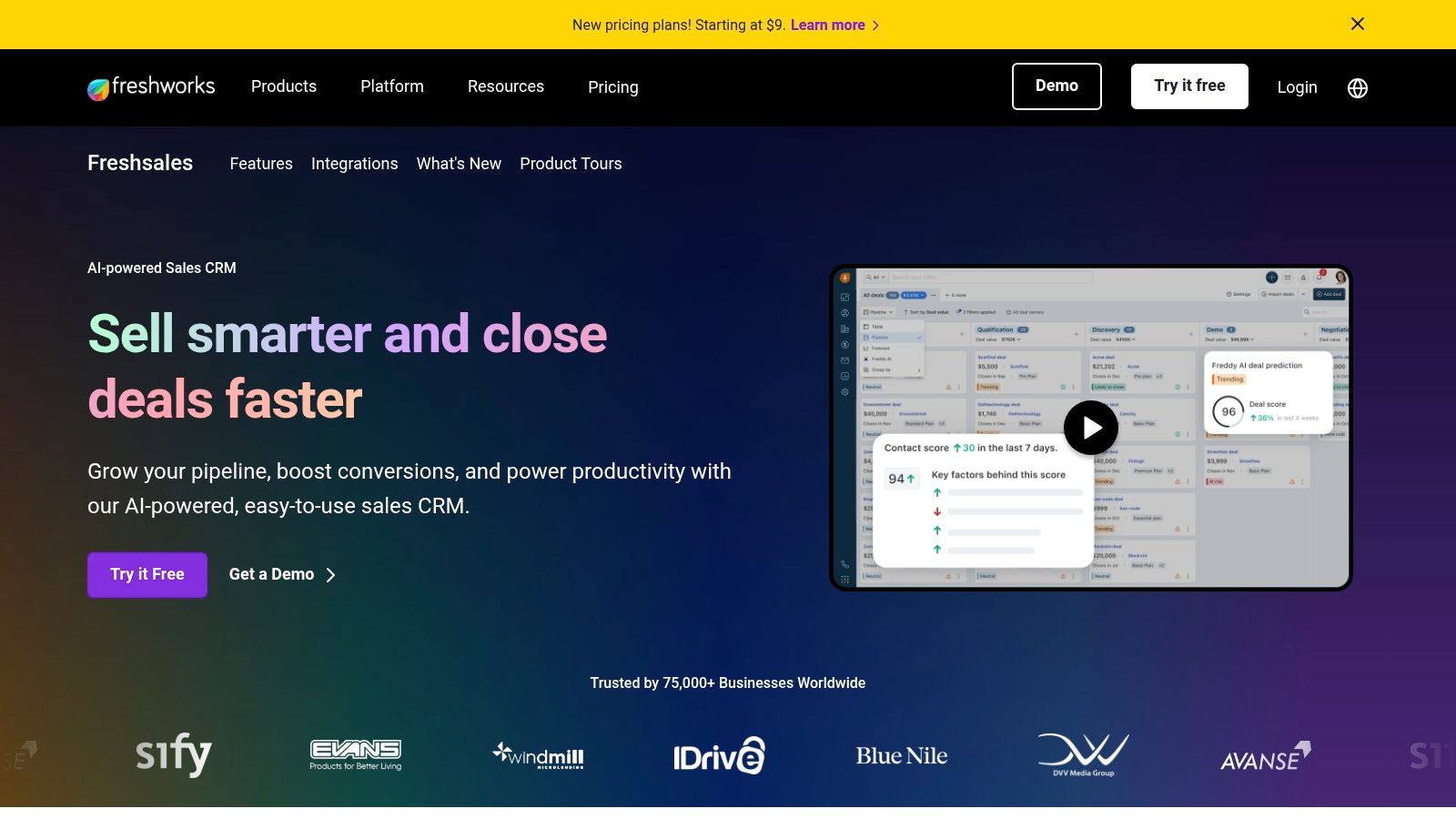
Freshsales stands out with its exceptionally generous free plan, which supports up to three users and includes contact management, built-in chat, and 24×5 support. This allows very small teams to implement a functional CRM with zero initial investment. As your business grows, the platform offers advanced features like AI-powered forecasting and workflow automation. While the product suite can seem complex at first, the core value lies in getting a powerful, multi-tool platform without a significant upfront cost.
Key Considerations for Freshsales
| Category | Details |
|---|---|
| Pricing | Free plan for up to 3 users. Paid plans start at $15/user/month (billed annually). |
| Best For | Startups and SMBs needing a free or low-cost CRM with built-in communication tools. |
| Pros | Robust free tier for small teams, integrated chat and phone capabilities, 24×5 customer support on all plans. |
| Cons | Advanced features are locked behind higher-tier plans; the various product suites (Freshsales vs. Freshsales Suite) can be confusing. |
Go to Freshsales
6. monday sales CRM (monday.com)
For teams that thrive on visual organization, monday sales CRM transforms the traditional CRM into a dynamic, board-based workspace. It combines sales pipeline management with powerful project management capabilities, making it a uniquely flexible solution. This makes it one of the best crm for small business options for companies where sales, marketing, and operations workflows are tightly interconnected.
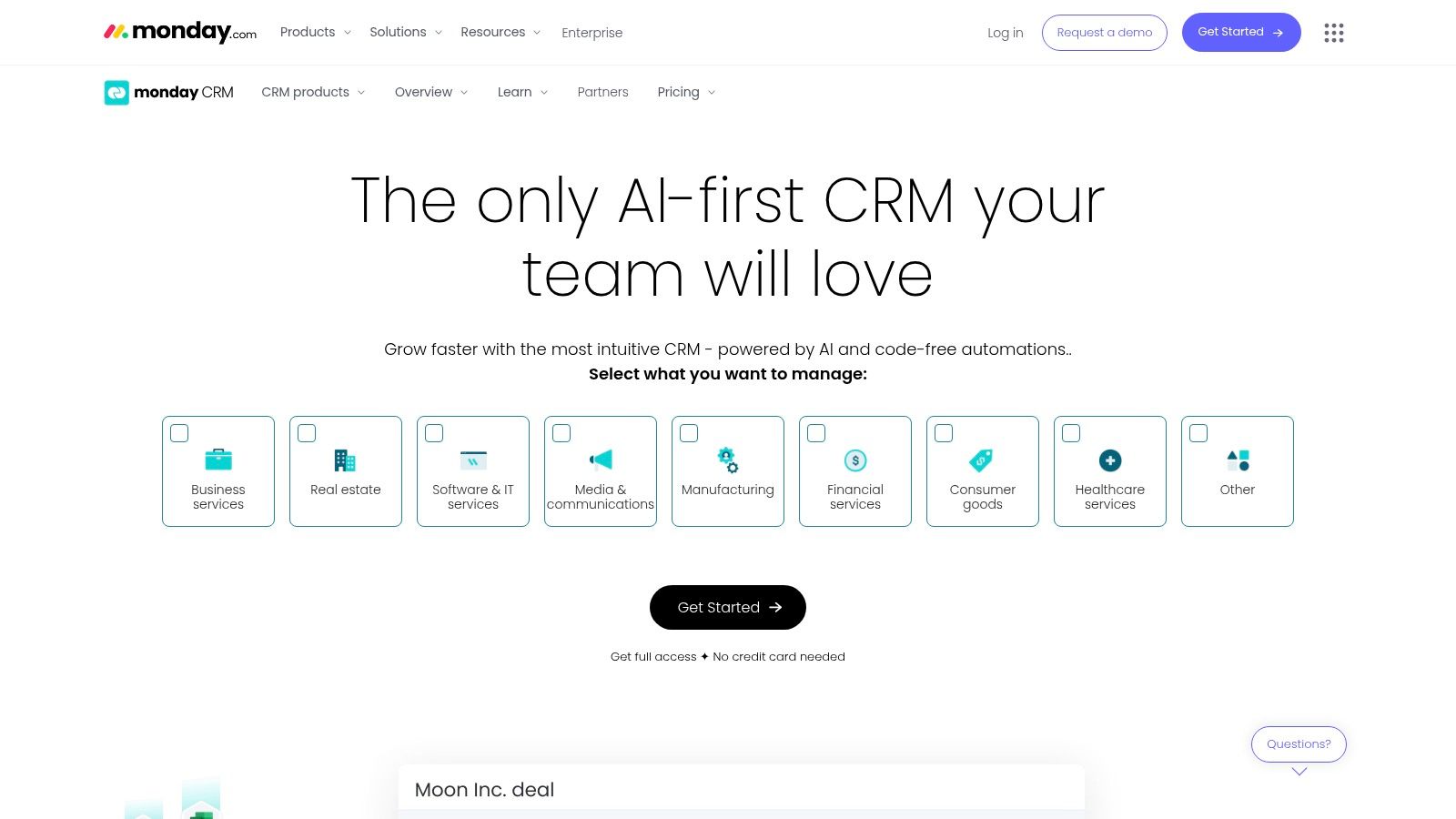
Unlike rigid, form-based CRMs, monday.com uses customizable boards and automations to let you build a workflow that mirrors your exact business process. You can manage everything from lead capture and deal tracking to post-sale projects and client onboarding all in one place. The platform's strength lies in its automation recipes, which allow you to eliminate repetitive tasks without writing any code. While its three-seat minimum may be a hurdle for solo entrepreneurs, its collaborative features provide immense value for growing teams.
Key Considerations for monday sales CRM
| Category | Details |
|---|---|
| Pricing | Starts at $10/user/month (billed annually) with a 3-seat minimum. |
| Best For | Visual-first teams, businesses managing complex sales and project workflows. |
| Pros | Flexible for sales plus adjacent ops and project work, strong automation capabilities at mid-tiers, user-friendly UI. |
| Cons | Three-seat minimum increases effective monthly spend; key features like two-way email sync require Standard or Pro plans. |
Go to monday sales CRM
7. Keap (formerly Infusionsoft)
For service-based businesses that need to connect their sales and marketing activities directly to revenue, Keap delivers a powerful all-in-one CRM and automation platform. It merges lead management, appointments, invoicing, and payments into a single, cohesive system. This makes it one of the best crm for small business options for owners who want to automate follow-up and streamline the entire client journey from first contact to final payment.
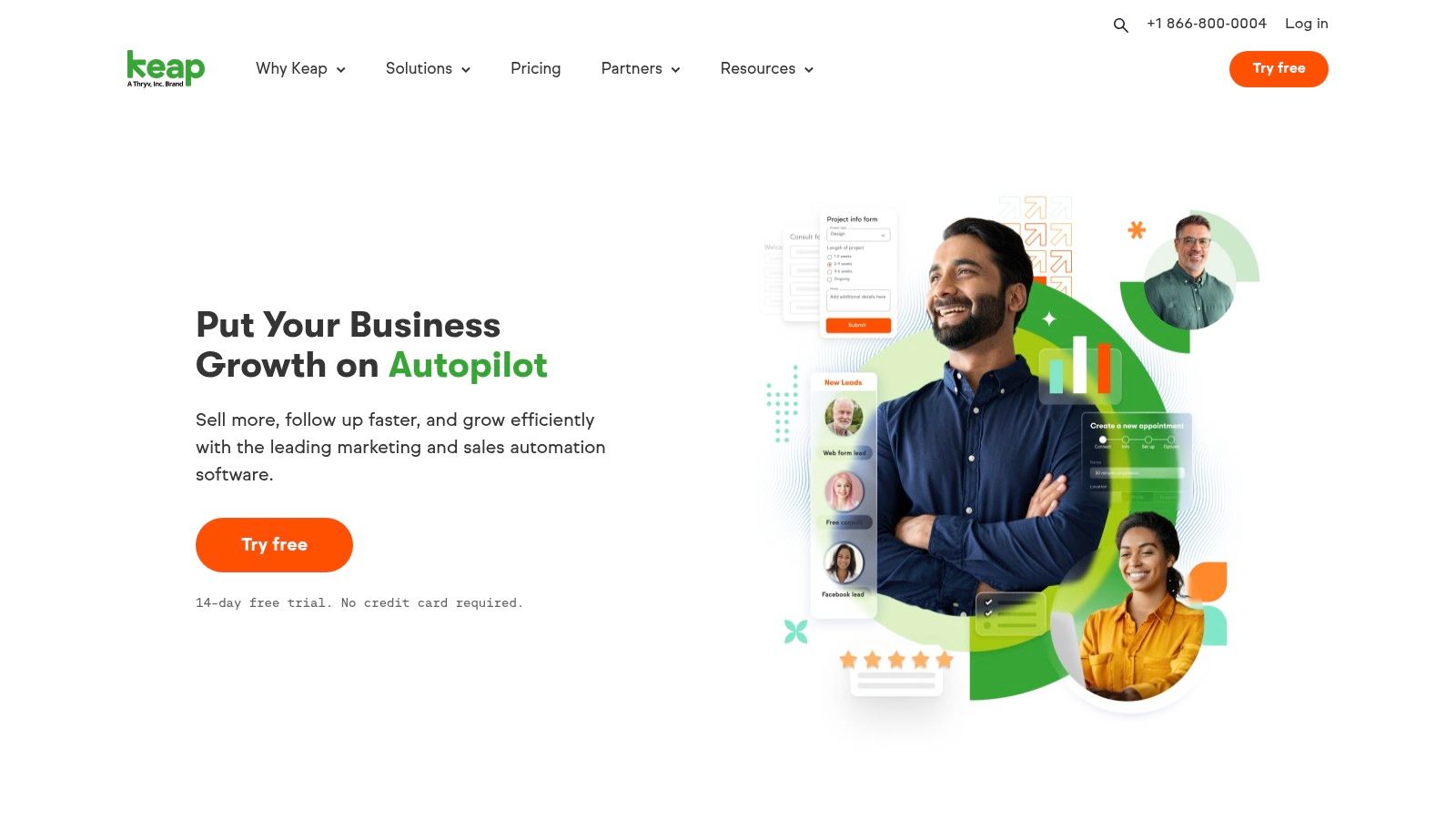
What sets Keap apart is its advanced, yet user-friendly, drag-and-drop automation builder. You can visually map out entire sales and marketing funnels, triggering emails, tasks, and text messages based on customer behavior. With integrated payments and native calendar scheduling, the platform excels at reducing the administrative work that bogs down small teams. While its pricing is higher than some entry-level CRMs, its focus on integrating revenue-generating activities into its automation provides a clear ROI for businesses ready to systematize their growth.
Key Considerations for Keap
| Category | Details |
|---|---|
| Pricing | Starts at $159/month for two users (billed annually). No free plan is available. |
| Best For | Service businesses, coaches, and small teams that need strong marketing and sales automation tied to payments. |
| Pros | Deep out-of-the-box automation, tightly integrated revenue and payment features, US-based support, and native phone/text capabilities. |
| Cons | Higher starting price compared to competitors and a smaller third-party app ecosystem than larger platforms like HubSpot or Salesforce. |
Go to Keap
8. Insightly
For businesses that manage projects and client relationships in tandem, Insightly offers a powerful, integrated solution. It uniquely combines a robust CRM with built-in project management tools, eliminating the need to juggle separate platforms for sales and post-sale delivery. This makes it one of the best crm for small business options for service-based companies, agencies, and manufacturers that need to track a customer from lead to project completion within a single system.
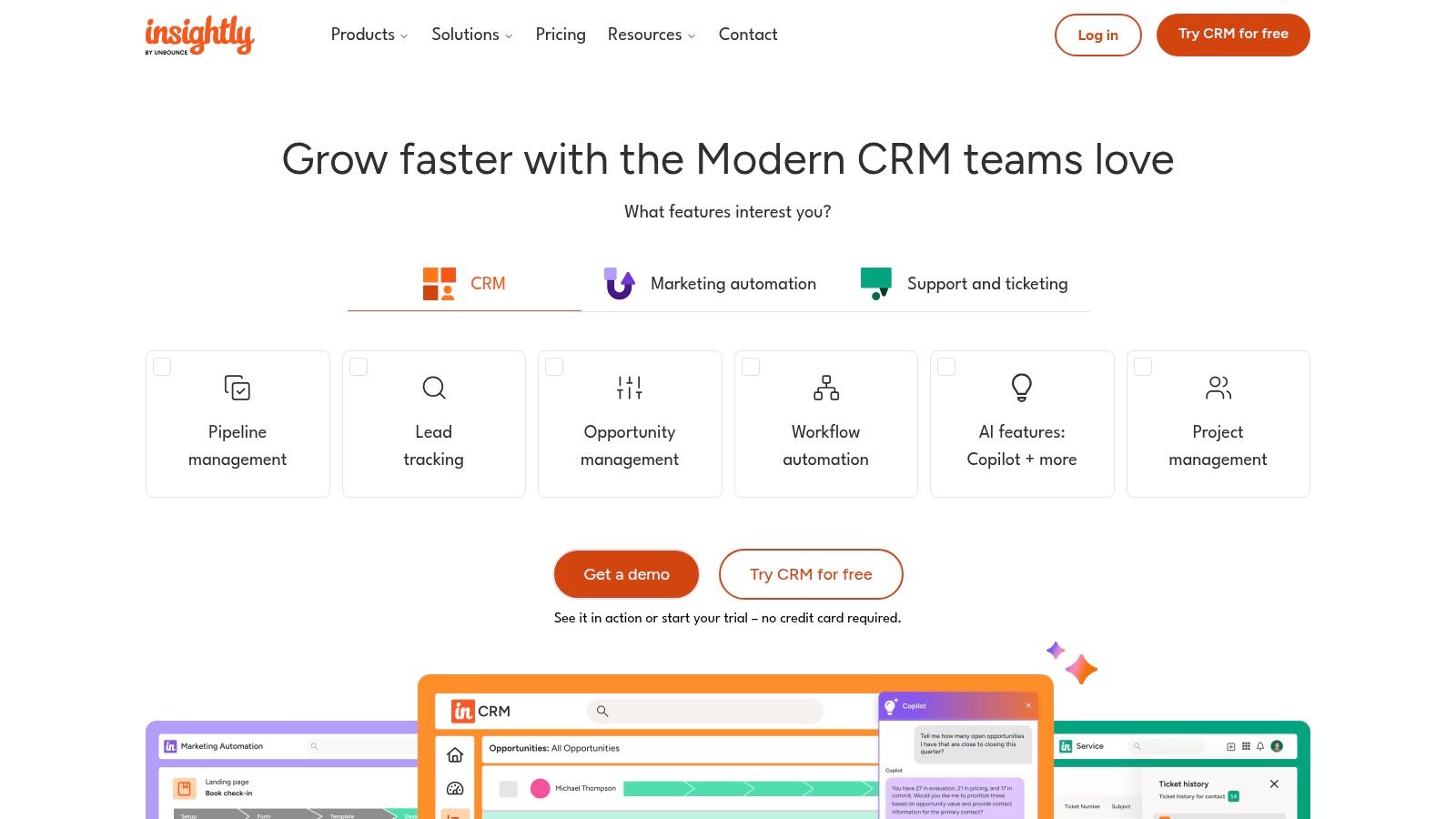
Insightly stands out by directly linking sales opportunities to projects, ensuring a smooth handoff between sales and operations teams. Its straightforward per-user pricing helps manage costs effectively, while its AppConnect feature provides no-code automation and integration capabilities. For organizations needing a comprehensive toolkit, Insightly offers All-in-One bundles that package its CRM with dedicated Marketing and Service modules at a discounted rate, streamlining the entire customer lifecycle.
Key Considerations for Insightly
| Category | Details |
|---|---|
| Pricing | Starts at $29/user/month (billed annually) for the Plus plan. All-in-One bundles are also available. |
| Best For | Service-based businesses, consulting firms, and companies needing integrated CRM and project management. |
| Pros | Strong post-sale project management features, straightforward per-user pricing, and bundled discounts for CRM, Marketing, and Service. |
| Cons | Onboarding and support bundles can add to the total cost; advanced features like quotes and sandboxes require an Enterprise plan. |
Go to Insightly
9. Nutshell
For teams that prioritize simplicity and transparent pricing, Nutshell is a standout CRM designed specifically for small businesses. It combines core sales and marketing functionalities into an intuitive platform that your team can adopt quickly, often without extensive training. Nutshell is one of the best crm for small business options for companies that need powerful features without the complexity or unpredictable costs of larger enterprise systems.
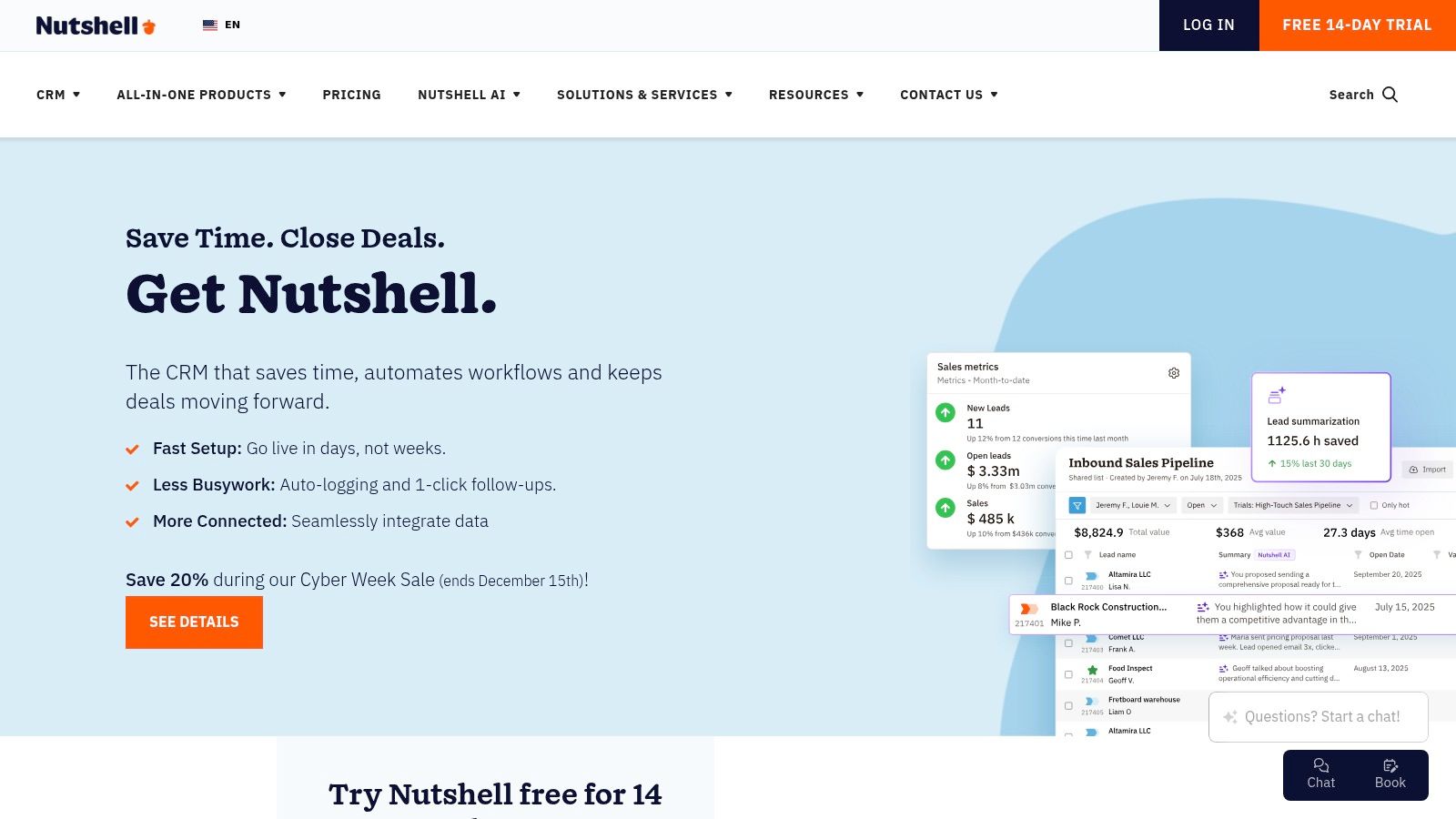
What sets Nutshell apart is its commitment to fair, predictable pricing. Instead of per-user fees for advanced features, it offers these as flat-rate add-ons for your entire organization. Every paid plan includes unlimited contacts and data storage, plus foundational marketing and web chat tools. This all-in-one approach helps you manage cash flow effectively while getting immediate access to tools like sales pipeline management, email sync, and even an AI Notetaker for meetings.
Key Considerations for Nutshell
| Category | Details |
|---|---|
| Pricing | Starts at $16/user/month (billed annually) for the Foundation plan. |
| Best For | Small B2B teams, service providers, and businesses seeking a user-friendly CRM with predictable, all-inclusive pricing. |
| Pros | Clean UI and fast team adoption, flat-price add-ons for the entire organization, transparent plan pages and a helpful cost calculator. |
| Cons | Fewer native enterprise-grade integrations than the largest suites, no perpetual free plan (trial only). |
Go to Nutshell
10. Close
For small businesses where the phone is the primary sales tool, Close is a powerhouse CRM designed to maximize outbound communication. It streamlines calling, emailing, and SMS into a single, unified workflow, eliminating the need to jump between different apps. This focus on efficiency makes it one of the best crm for small business options for high-velocity sales teams that live on the phone.
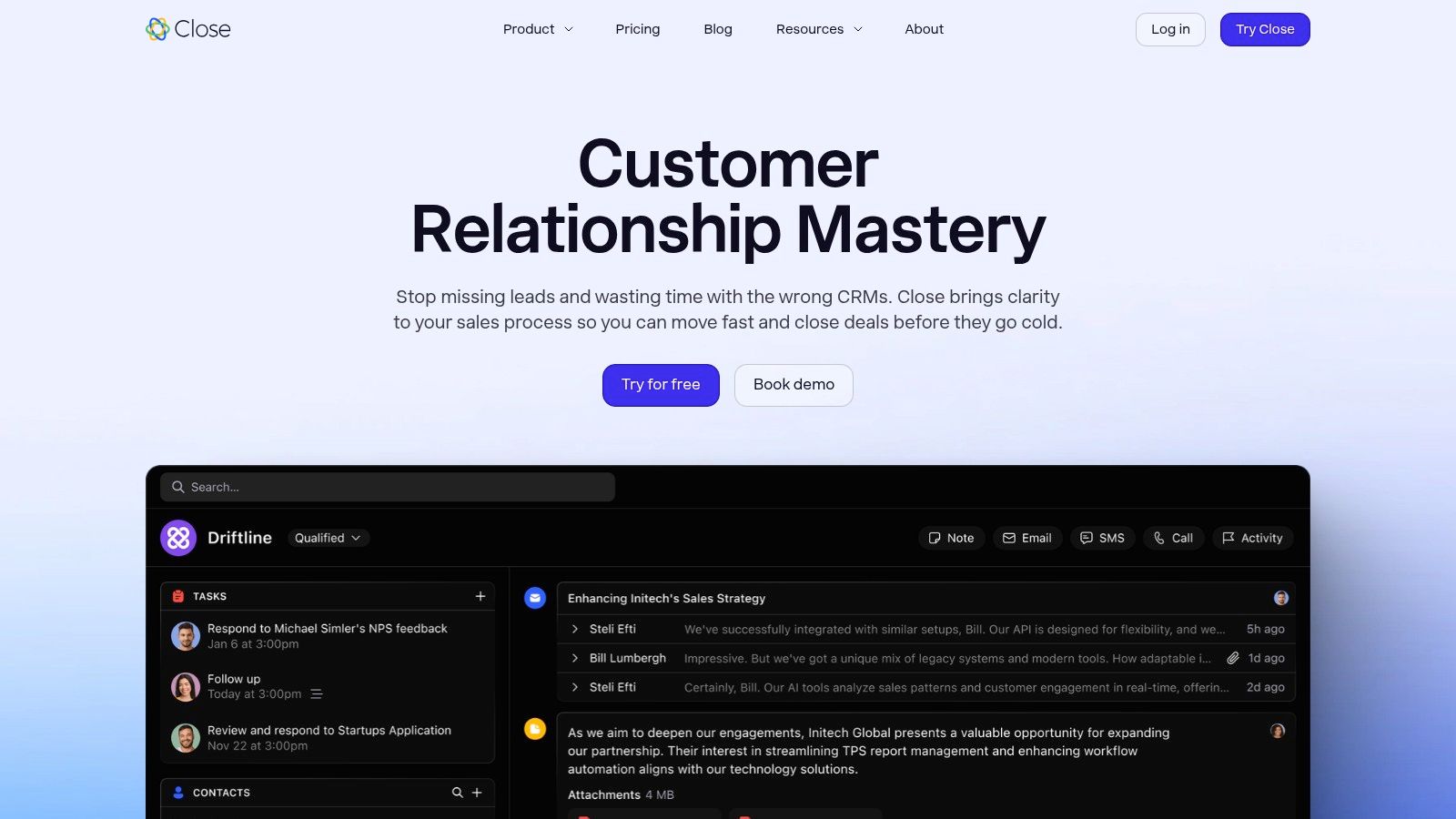
Close is engineered for action. Features like the built-in power dialer automate the manual work of making calls, allowing reps to have more conversations. The platform’s robust reporting provides clear insights into team activity and pipeline health, helping you diagnose performance issues and coach effectively. Its pricing is transparent and growth-oriented, with an affordable "Solo" plan for individuals and clear tiers that scale with your team.
Key Considerations for Close
| Category | Details |
|---|---|
| Pricing | Starts at $25/user/month (billed annually) for the Solo plan. |
| Best For | Outbound and phone-heavy sales teams, high-velocity sales environments. |
| Pros | Excellent for phone-heavy outbound sales, clear growth-oriented pricing tiers including an affordable Solo option, strong reporting on rep activity and pipeline. |
| Cons | Telephony usage and some AI add-ons are billed separately, limited marketing automation compared with all-in-one platforms. |
Go to Close
11. Capsule CRM
For freelancers and very small teams, Capsule CRM offers a refreshingly simple and affordable entry point into contact management. It strips away the complexity of larger platforms, focusing on the essentials: managing contacts, tracking sales opportunities, and maintaining a clear activity timeline. This streamlined approach makes it one of the best crm for small business options for users who prioritize ease of use over an exhaustive feature set.
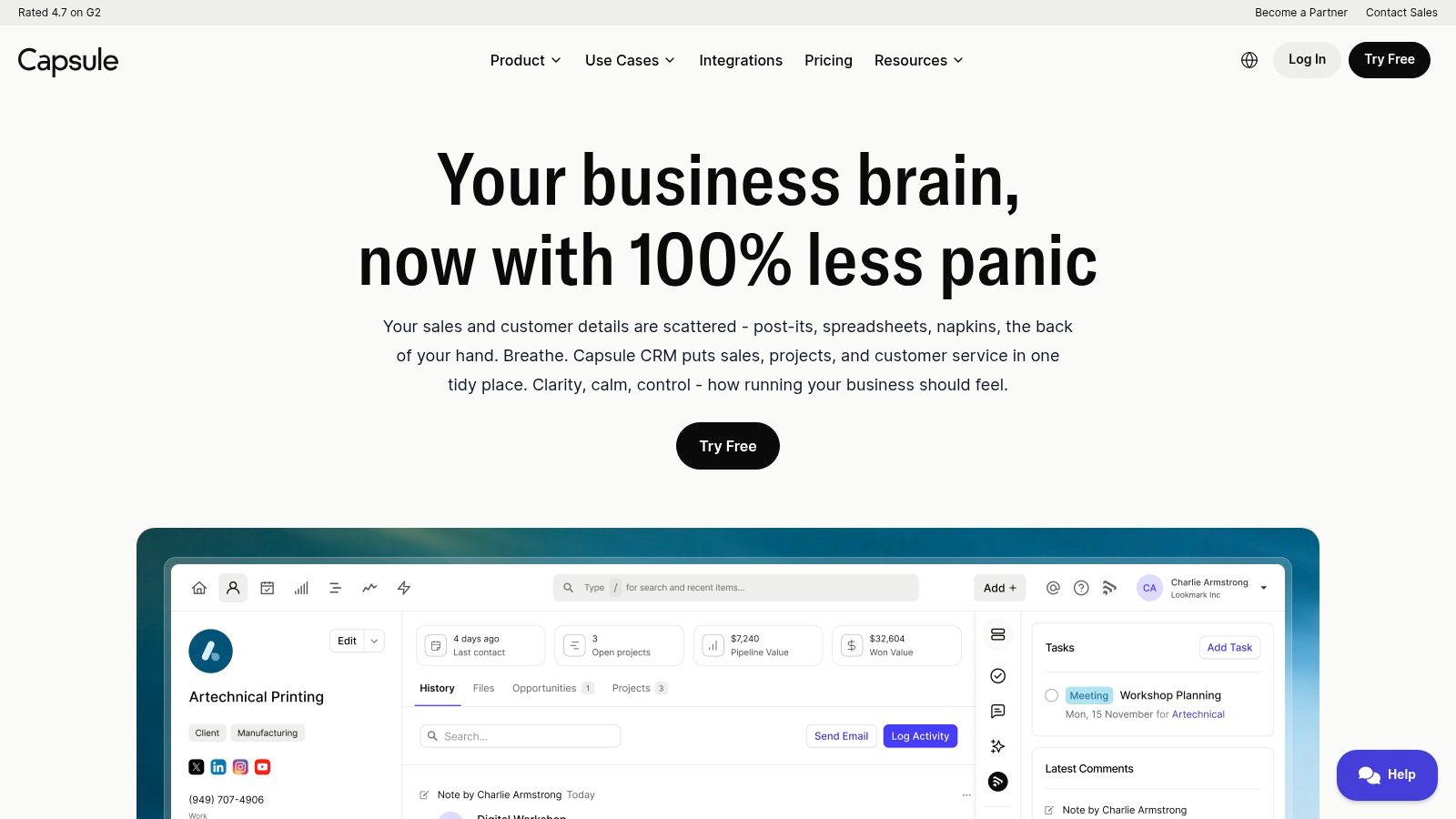
Capsule CRM's standout feature is its generous free forever plan, which provides two users with access to 250 contacts and core functionality. This allows you to establish a proper system for contact management with zero initial investment. As your needs grow, the paid tiers introduce valuable tools like workflow automations and a shared team inbox without a significant price jump. Its direct integrations with Gmail and Outlook also make it exceptionally easy to log communications directly from your inbox.
Key Considerations for Capsule CRM
| Category | Details |
|---|---|
| Pricing | Free plan for 2 users (up to 250 contacts). Paid plans start at $18/user/month. |
| Best For | Freelancers, startups, and small teams needing a simple, low-cost contact management system. |
| Pros | Excellent free forever plan, incredibly easy to set up and use, strong value in paid tiers with useful add-ons. |
| Cons | Fewer native modules compared to larger CRM suites; advanced analytics and automation require plan upgrades. |
Go to Capsule CRM
12. Copper
For small businesses that operate almost exclusively within Google Workspace, Copper presents a seamless and intuitive CRM solution. It integrates so deeply with Gmail, Calendar, and Drive that it feels like a natural extension of the tools your team already uses. This native integration eliminates manual data entry, making it arguably the best crm for small business teams aiming for rapid user adoption with minimal training.
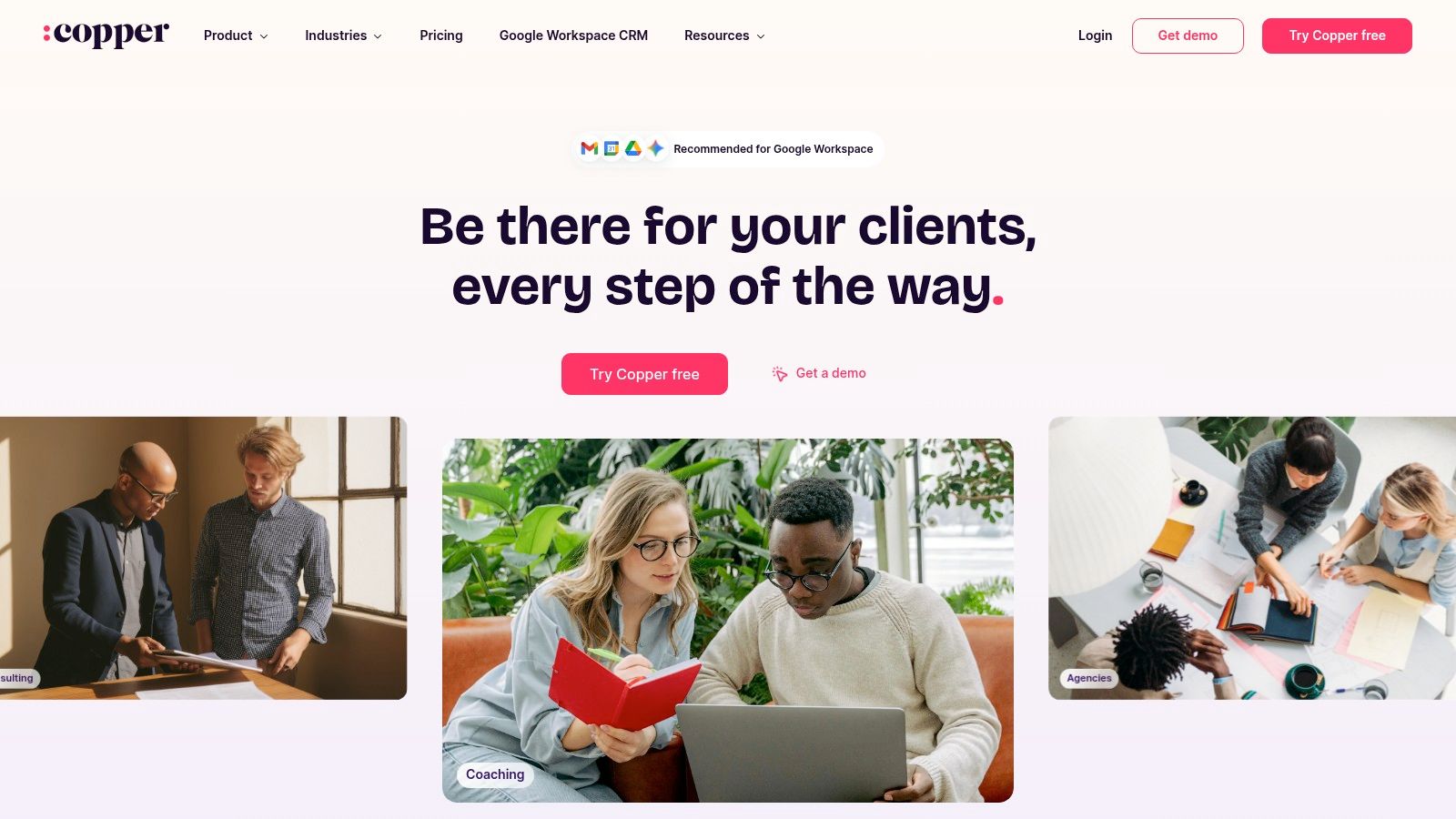
Copper works by automatically capturing and organizing emails, contacts, and files directly from your Google apps, building a comprehensive client history without extra effort. Its visual sales pipelines are built directly into the Gmail interface, allowing users to manage deals without ever leaving their inbox. This focus on workflow efficiency is a significant advantage for fast-moving teams who need a CRM that works in the background. While it isn't an all-in-one platform, its strength lies in its simplicity and unparalleled Google integration.
Key Considerations for Copper
| Category | Details |
|---|---|
| Pricing | Starts at $29/user/month (billed annually) for the Basic plan. |
| Best For | Teams heavily reliant on Google Workspace (Gmail, Calendar, Drive). |
| Pros | Best-in-class Google Workspace integration, automatic data sync, and extremely fast user adoption. |
| Cons | Contact limits on lower-tier plans can force upgrades; marketing features are lighter than competitors. |
Go to Copper
Top 12 CRMs for Small Business — Comparison
| Product | Core features | UX (★) | Price / Value (💰) | Target (👥) | Highlights (✨ / 🏆) |
|---|---|---|---|---|---|
| Salesforce Starter (Salesforce) | Lead/account/opportunity mgmt, email sync, mobile onboarding | ★★★★☆ | 💰 Low entry monthly; upgrade costs to scale | 👥 SMBs needing enterprise path | ✨ AppExchange ecosystem, 🏆 clear upgrade path |
| HubSpot | Unified Sales/Marketing/Service hubs, meetings, live chat, AI | ★★★★★ | 💰 Generous free tier; costly at Pro/Ent | 👥 Teams wanting an all‑in‑one platform | ✨ AI across hubs, 🏆 consolidated platform |
| Zoho CRM | Workflow automation, Zia AI, wide native app suite | ★★★★☆ | 💰 Very low entry; free tier & aggressive per‑user pricing | 👥 SMBs that will grow into a native suite | ✨ Zoho One integration, high customization |
| Pipedrive | Visual drag‑and‑drop pipelines, email sync, scheduler | ★★★★★ | 💰 Affordable mid tiers; trial only free | 👥 SMB sales teams focused on pipeline velocity | ✨ Intuitive pipelines, fast adoption |
| Freshsales (Freshworks) | Multichannel (chat/email/phone), workflows, Freddy AI | ★★★★☆ | 💰 Very low entry; free 3‑user tier | 👥 SMBs needing built‑in chat/phone | ✨ Built-in telephony & AI, 24×5 support |
| monday sales CRM (monday.com) | Board‑based pipelines, automations, dashboards | ★★★★☆ | 💰 Mid; 3‑seat min affects very small teams | 👥 Teams valuing visual workflows & ops | ✨ Flexible boards + automations |
| Keap (formerly Infusionsoft) | Drag‑drop automations, invoicing, payments, SMS/phone | ★★★★ | 💰 Higher starting price; no free plan | 👥 Solo entrepreneurs & small revenue‑focused teams | ✨ Integrated payments + automation, 🏆 revenue focus |
| Insightly | CRM + project delivery, workflow automation, AppConnect | ★★★★ | 💰 Straightforward per‑user pricing; bundles available | 👥 Firms needing CRM + post‑sale project mgmt | ✨ Strong post‑sale project features |
| Nutshell | Unlimited contacts, pipelines, included marketing/chat tools | ★★★★ | 💰 Transparent flat pricing options; trial only | 👥 Small teams wanting simple, predictable costs | ✨ Flat‑fee org add‑ons, AI Notetaker |
| Close | Built‑in calling/SMS, predictive dialers, activity reporting | ★★★★☆ | 💰 Solo & growth tiers; telephony billed separately | 👥 Outbound, phone‑heavy sales teams | ✨ Power/predictive dialers, 🏆 call/SMS focus |
| Capsule CRM | Contacts/opportunities, email add‑ins, automations | ★★★★ | 💰 Free for 2 users; low cost tiers | 👥 Very small teams & solopreneurs | ✨ Lightweight, easy setup, strong starter value |
| Copper | Gmail/Drive automatic sync, pipelines, contact enrichment | ★★★★ | 💰 Moderate; Google Workspace pricing fit | 👥 Google‑centric teams using Workspace daily | ✨ Best‑in‑class Gmail/Workspace integration |
From Diagnosis to Action: How to Choose Your CRM
We’ve diagnosed twelve of the top CRM platforms. You've seen the features, pricing, and who they’re built for. The biggest takeaway? The best CRM for a small business is not a one-size-fits-all solution. It's the one that aligns with your specific operational reality, sales process, and growth ambitions.
Choosing a CRM is less about finding the tool with the most features and more about building a system that solves your unique problems. A manufacturer needs a different workflow than a local service business.
Questions to Ask Before You Decide
To move from diagnosis to a decision, ask yourself these critical questions:
- Process First, Tool Second: Have you mapped out your current sales process? A CRM should support your workflow, not force you into a foreign one. If you don't have a clear process, no CRM can fix that gap.
- Will Your Team Actually Use It? An intuitive interface (like Pipedrive or Nutshell) often trumps a more powerful but complicated system. Consider your team's technical skill and the time you can dedicate to training.
- How Well Does It Integrate? Does the CRM connect seamlessly with tools you already rely on, like Gmail, Outlook, accounting software, or marketing platforms? A CRM that isolates itself from your tech stack creates more work, not less.
- Can It Scale With You? Where do you see your business in two years? A platform like Keap might be perfect for a business needing robust automation today, while a startup might prefer the lean, sales-focused approach of Close. Choose a system that can grow with you.
Your Action Plan for Selecting a CRM
You are now equipped to make an informed decision. The goal is to move forward with a system that solves today's problems while preparing you for tomorrow's growth.
Here’s your plan:
- Define Your Needs: Use the insights from this article to list your top three "must-have" features. Is it a visual pipeline? Deep automation? Specific integrations?
- Create a Shortlist: Based on your must-haves, pick three CRMs from our list that seem like the best fit for your business.
- Sign Up for Free Trials: This is the most crucial step. Get your hands dirty. Import a few contacts, build a sample pipeline, and have your team test the interface. You can’t understand how a CRM truly works from a feature list alone.
- Evaluate the Implementation Lift: During the trial, assess how long it will realistically take to get the system fully operational. Does the provider offer good support? Be honest about the time and resources you can commit.
Choosing the right CRM is a foundational decision that will impact your efficiency and bottom line for years to come. Take the time to diagnose your needs correctly. You’ll be building a system that doesn't just store data, but actively drives your business forward.
Selecting and implementing the right CRM is a significant project, but you don't have to do it alone. At Machine Marketing, we specialize in diagnosing business systems and implementing solutions like CRMs to drive measurable growth. If you want a partner to ensure your technology serves your process and produces results, contact us for a strategic diagnosis.
