
Industrial buying cycles are long, technical, and full of places for an inquiry to disappear between form submission, qualification, quote, and booking. The surprising part is that most businesses aren't starting from zero: 76% use automation to standardize daily work, but only 4% report fully automated workflows, while 31% have automated at least one function (independent workflow benchmark data). The gap isn't interest in automation. It's reliable execution.
GoHighLevel workflow templates give us a faster starting point for standardizing follow-up, qualification, appointment routing, and re-engagement without rebuilding every automation from scratch. But a template that works for a local service business can fail badly in a machine shop if it ignores tolerances, certifications, lead times, drawings, or quote ownership.
This guide filters 10 GoHighLevel workflow template sources through an industrial lens. We'll identify which sources work for manufacturer and machine-shop funnels, which require heavy customization, which are better suited to local service businesses, and which should wait until your CRM basics are stable. We'll also cover how to import templates safely and connect them to workflows for agency teams without turning your account into an unmaintainable collection of copied automations.
Table of Contents
- 1. HighLevel Template Library official
- 2. HighLevel Marketplace templates inside the app official
- 3. HighLevel AI Agent Templates official
- 4. Extendly Ultimate Automation Library and Snapshot Store
- 5. HL Pro Tools Snapshot Library and Branded Support
- 6. Growthable GoHighLevel Snapshots with white-label support
- 7. Top GHL Snapshots independent snapshot marketplace
- 8. HighLevelKit Snapshot Marketplace
- 9. HigherFrame section and page template library for HighLevel sites
- 10. GHL Spark snapshots, AI agents, and design library
- Top 10 GoHighLevel Workflow Template Resources, Comparison
- How to Pick, Import, and Customize Without Breaking Your CRM
1. HighLevel Template Library official
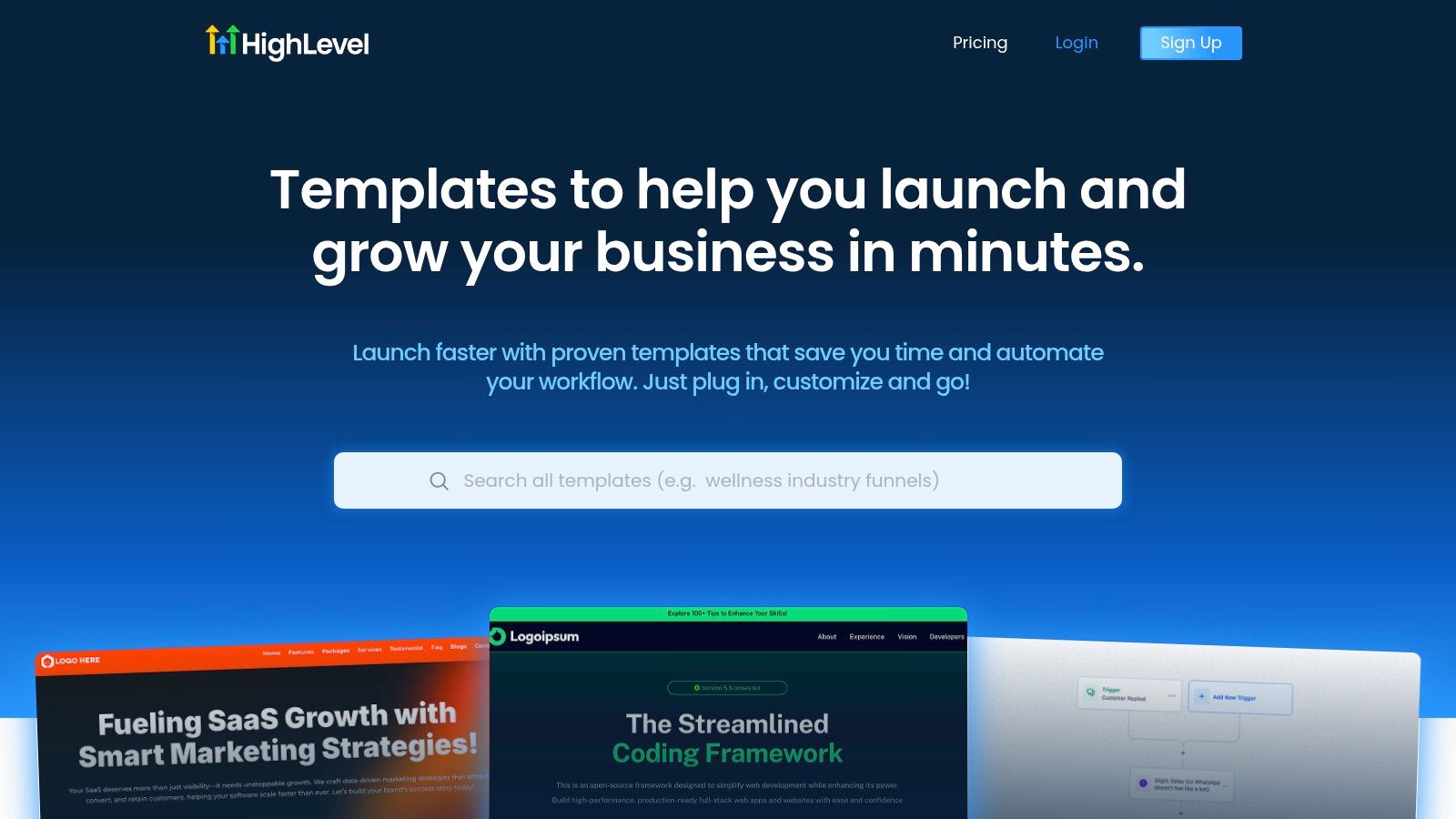
The official HighLevel Template Library is the logical first stop because it sits closest to the platform itself. It includes workflow templates alongside funnels, websites, emails, SMS assets, and industry starting points. For a business that needs a dependable lead-capture and booking foundation, that proximity reduces friction.
As of September 2026, the library lists 47 workflow templates, and HighLevel's documentation describes a dedicated selection flow inside Automation > Workflows. You can preview a template's logic and load it directly into the editor, rather than downloading an unknown file and hoping every dependency survives import (HighLevel workflow templates).
Where it works for industrial sales
Use this source for the stable front half of the funnel:
- Lead capture: Form submissions can create or update a contact and place the opportunity in an initial pipeline stage.
- First response: A confirmation email or SMS can acknowledge an RFQ or consultation request.
- Booking: Calendar links can route qualified prospects to a discovery call, site visit, or application review.
- Basic nurture: Unresponsive leads can receive useful follow-up rather than disappearing.
For manufacturers, the template is a skeleton. You'll need to replace broad language with questions about material, quantity, drawing availability, tolerance, certification, application, and required delivery date. Our GoHighLevel guidance for manufacturers explains why that industrial context has to shape the CRM design, not just the page copy.
The official library is strong for speed and platform compatibility. It isn't a complete manufacturing sales system. Start here when you need a clean baseline, then customize the qualification logic before sending traffic into it.
2. HighLevel Marketplace templates inside the app official
The HighLevel Marketplace adds community-built workflows and snapshots to HighLevel's default options. You can review free and paid listings, inspect their stated functions, and install suitable assets within your account. The catalog helps when a manufacturer or machine shop needs a focused process that the official library does not cover.
Use these templates for contained jobs, not as a complete industrial funnel. A quote-request workflow may acknowledge receipt and identify missing information. A routing workflow can assign opportunities by territory, product family, plant, or salesperson. Follow-up templates can keep an unresponsive prospect visible, while reminder workflows support technical consultations. Reactivation assets can flag dormant accounts for human review before any message is sent.
The right fit depends on the handoff. A template that pushes every lead toward an immediate appointment creates friction when an applications engineer must review drawings, tolerances, materials, or the intended use first. For that reason, inspect the trigger, tags, pipeline stages, custom fields, message copy, calendars, and integrations before importing.
A polished listing can still contain hidden dependencies.
Check seller documentation, licensing, update practices, and support coverage. Then copy the workflow into a test sub-account, map each dependency, run sample submissions, and verify contact updates, opportunity movement, notifications, and opt-out handling. Only promote it after the process behaves correctly.
The Marketplace suits teams with an owner for QA, naming conventions, and change control. It is a poor shortcut for teams that cannot maintain imported assets. In an industrial CRM, a narrow template with clear handoffs is more useful than a broad snapshot that adds unexamined stages, fields, and automation.
3. HighLevel AI Agent Templates official
HighLevel's official platform provides AI assets for Conversation AI and Voice AI. Its templates can handle FAQs, qualify leads, book demonstrations, and follow up with prospects. For manufacturer and machine-shop funnels, that makes them useful at the intake layer, provided the account already has defined fields, ownership, and escalation rules.
The practical boundary is clear: let the agent collect and route information, not make engineering decisions. It can ask whether a prospect wants a quote, service visit, catalog, or technical discussion. It can gather company details, application, product family, and contact information, then offer a calendar when the request is clear. It should not invent material compatibility, promise a tolerance, interpret an engineering drawing without an approved process, or provide regulated advice.
Set the agent up around five operating controls:
- Collect known fields, including company, application, product family, and contact details.
- Classify the request, using approved categories rather than open-ended guesses.
- Route technical questions, to the appropriate salesperson or engineer.
- Record the conversation, in the contact and opportunity history.
- Escalate uncertainty, instead of filling gaps with confident language.
The prompt is only one component. Supporting workflows, calendars, pipeline stages, and custom fields must match the actual handoff. Otherwise, the agent may create activity while leaving estimating or engineering with incomplete context.
These templates suit a controlled pilot, especially where questions are predictable or intake boundaries are narrow. Skip them until inconsistent fields, unclear ownership, or untested SMS and email logic are fixed. For an industrial account, the AI layer should follow a verified process, not conceal weaknesses in it.
4. Extendly Ultimate Automation Library and Snapshot Store
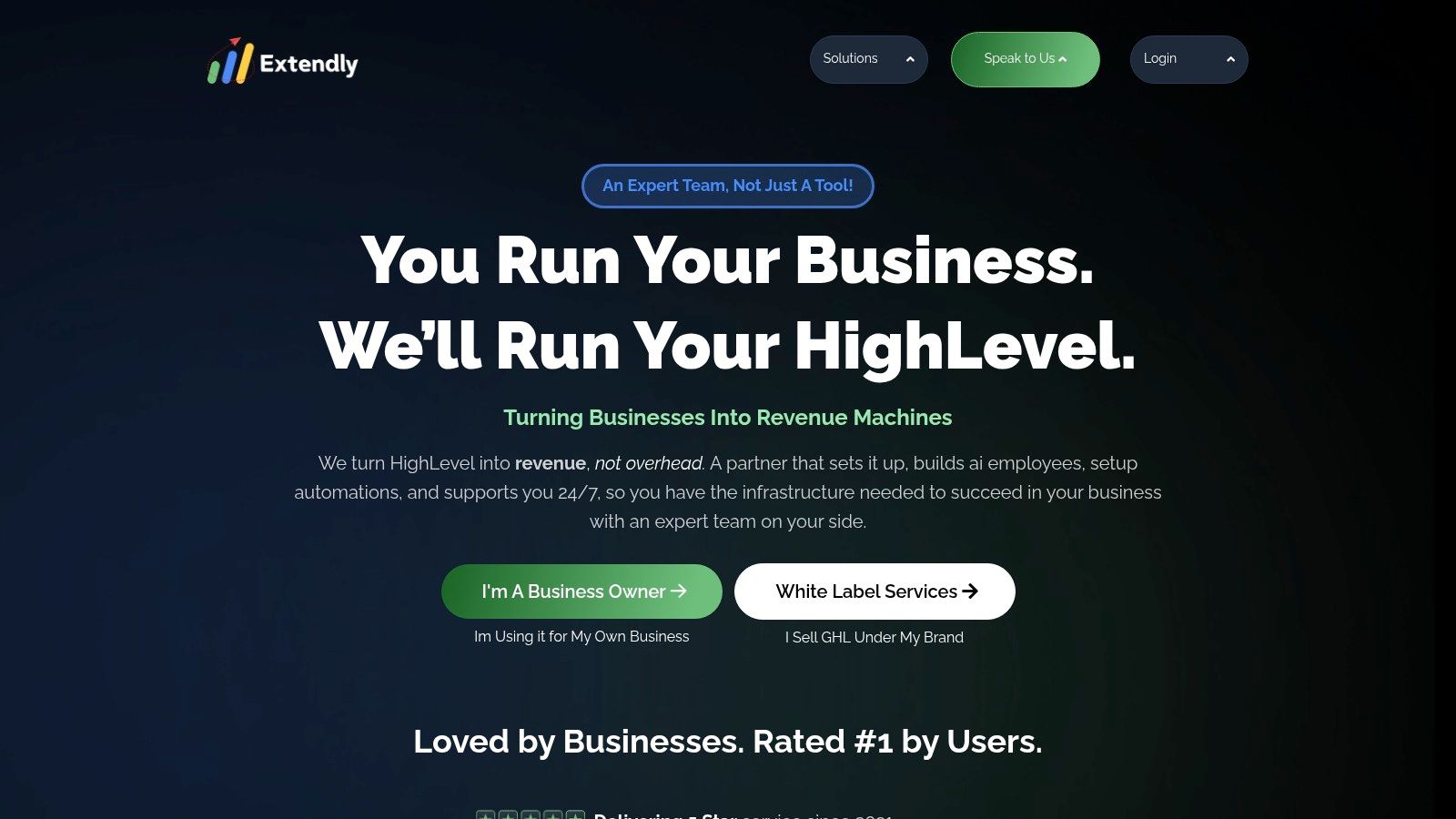
Extendly focuses on ready-made snapshots, automation assets, onboarding materials, and implementation support for agencies managing several accounts. Its library covers vertical and function-based use cases, including onboarding, scheduling, compliance helpers, and reputation workflows.
For agencies serving manufacturers, machine shops, equipment suppliers, and local service companies, that breadth can shorten the first build. A structured snapshot gives the team an initial architecture for pipelines, tags, forms, and follow-up sequences instead of requiring every component to be assembled from scratch. It can also support repeatable marketing automation for small businesses when each client still needs controlled customization.
A deployment accelerator, not a manufacturing blueprint
The practical value is implementation speed and guidance. Done-with-you support can help a team understand imported assets and adapt them across accounts, but the snapshot may also introduce assumptions about pipelines, calendars, forms, fields, permissions, and handoffs.
Before using one for an industrial funnel, inspect five areas:
- Object ownership, so sales, estimating, and engineering know who acts next.
- Field discipline, so locations collect comparable RFQ and application details.
- Naming standards, so copied workflows remain maintainable.
- Editable messaging, with language suitable for technical buyers and quote requests.
- Testing and rollback guidance, before any trigger reaches a live contact.
The trade-off is cost and control. Flagship snapshots may carry higher one-time prices, while licensing can limit resale or distribution beyond accounts your agency manages. Confirm what support covers and whether the license permits deployment across the client structure.
Extendly suits agencies that need a supported starting point. Machine shops and manufacturers should still map their sales process first, then remove duplicate triggers and any automation the team cannot govern.
5. HL Pro Tools Snapshot Library and Branded Support
HL Pro Tools combines snapshots, onboarding resources, client enablement materials, and branded support. That package fits agencies delivering a managed system to manufacturers and machine shops, where adoption and repeatable deployment matter alongside workflow logic.
Enablement determines whether the snapshot survives deployment
A workflow creates value only when the people handling leads trust it and understand each handoff. Help documentation, videos, branded support, and structured onboarding can reduce the burden on internal teams that should not have to answer every account question.
For a multi-location manufacturer, one baseline might collect consistent RFQ details, route opportunities by territory, and create follow-up tasks. Each branch still needs clear ownership when automation ends and a salesperson, estimator, or engineer takes over. That operating boundary is often more important than adding another nurture sequence.
Use marketing automation workflows as the process reference before importing a snapshot. Compare the template with the actual intake, qualification, quoting, and handoff stages. A machine shop with a short inquiry path may need only selected components, while a manufacturer with engineering review and multiple facilities will likely require substantial field and routing changes.
The Snapshot Mastery System is aimed at teams creating and maintaining reusable templates. Its value is governance: preserving a dependable baseline after each client or location changes fields, messages, or routing.
Operational rule: Judge a snapshot by how clearly the team can explain, test, update, and retire each component, not by how much it imports.
Check the commercial limits before committing. Pricing may be premium, inclusions can vary by offer, and promotional terms can change. Confirm support coverage, whether branded support fits the deployment model, and which assets remain editable.
HL Pro Tools is a strong candidate for agencies managing repeated industrial deployments and client adoption. Skip the broader system when one simple lead-response workflow is all the account needs.
6. Growthable GoHighLevel Snapshots with white-label support
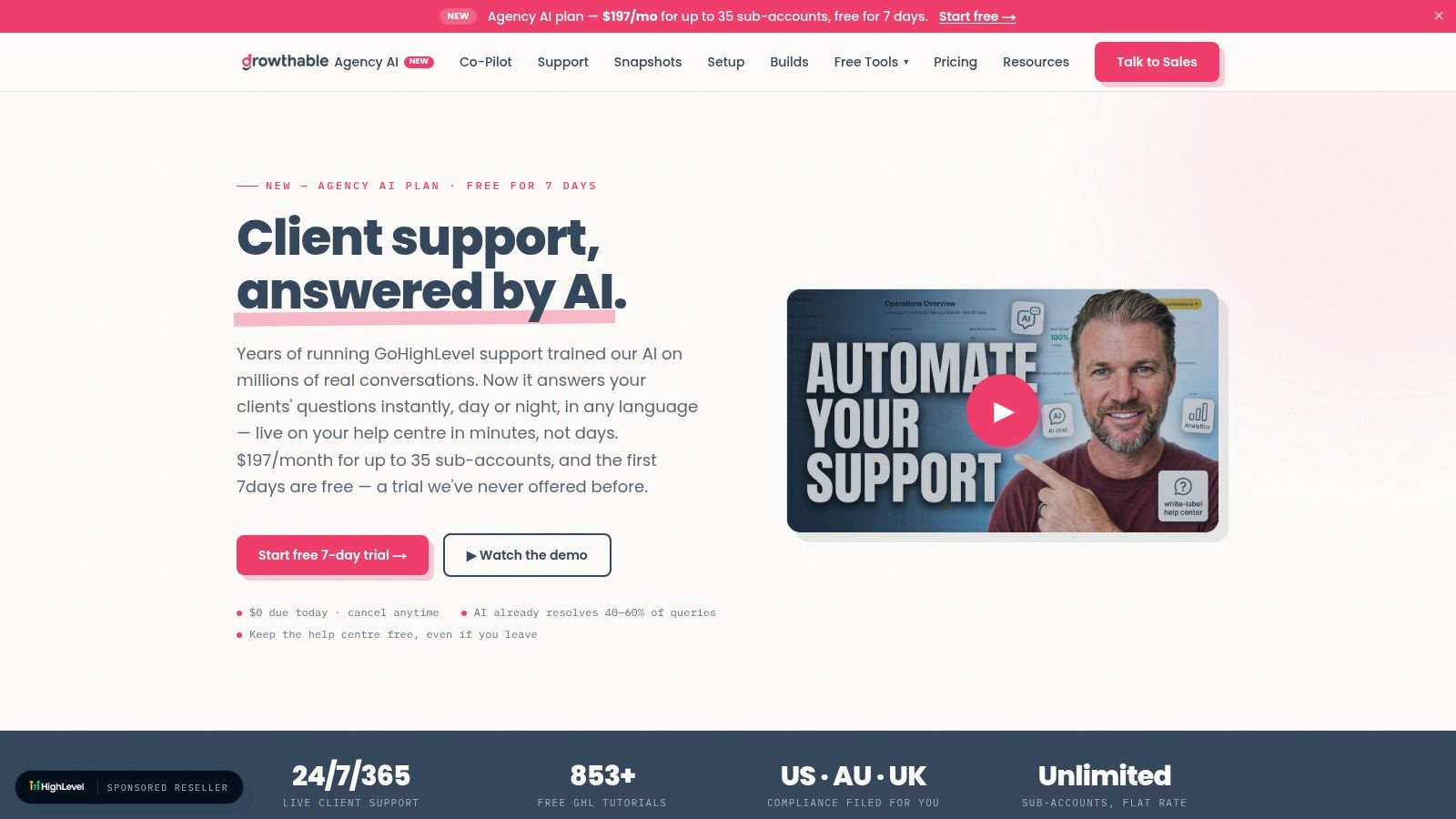
Growthable focuses on practical snapshots and white-label support for reviews, reactivation, and messaging compliance. For a manufacturer or machine shop, this operational foundation can matter more than a complex nurture campaign.
A strong website and capable sales team do not prevent missed opportunities when a form fails to send an acknowledgment, assign the contact, or apply the right messaging settings. A compliance-focused snapshot can establish the communication basics, but review each workflow before activation. Industrial accounts often need different consent rules, ownership assignments, and escalation paths than local-service accounts.
Useful foundation, limited industrial specificity
Growthable fits foundational operations better than a complete machine-shop funnel. Use it to support:
- Messaging setup: Confirm sender identity, opt-out handling, and approved communication paths.
- Review workflows: Request feedback after a completed service or delivered project, with human review of the audience.
- Reactivation: Identify dormant contacts and send a measured invitation to reconnect.
- Support load: Use white-label assistance when your agency does not want every client question handled internally.
The snapshot will not know your quoting process. An industrial reactivation flow should separate a past customer, an old RFQ, a lost opportunity, a distributor, and a contact who requested no further messages. Each group requires different copy, timing, and ownership.
Coverage for specialized industrial workflows may be limited, and affiliate promotions or included features can change. Verify the current offer at checkout, then document exactly what was installed and customized. Growthable is a practical choice when operational consistency is the immediate constraint. Skip it when the account needs technical qualification logic that your team has not yet designed.
7. Top GHL Snapshots independent snapshot marketplace
Top GHL Snapshots is a third-party marketplace for GoHighLevel snapshots and templates. Its listings and previews give buyers a way to compare included workflows, pages, and other assets before purchasing.
For industrial accounts, the useful question is not whether a snapshot looks polished. Check whether its triggers, tags, custom fields, pipeline stages, and ownership rules match the process you need. A listing that exposes its workflow logic and setup requirements is easier to evaluate than one built around screenshots alone.
Where a marketplace snapshot fits
Machine shops can reuse the underlying mechanics of many service-business templates:
- form or landing-page entry
- contact creation
- pipeline movement
- internal notification
- follow-up task
- appointment or consultation booking
- dormant-lead reactivation
The qualification model usually needs a rebuild. A manufacturer may need material, tolerances, quantities, drawing status, equipment requirements, and target delivery timing. A contractor template may expect only a service category and an immediate estimate. Both can begin with a web form, but the routing, follow-up, and sales ownership are different.
Use the marketplace when you want several niche options to compare in one place. Treat each listing as a candidate architecture, not a finished deployment. Import a copy, test with controlled contacts, map fields to your existing CRM, review permissions, and approve every outbound message before production use.
Seller quality also matters. Confirm that the preview reveals enough workflow detail, documentation identifies required integrations, and post-import support is available. A broad premium package may create more cleanup than value if your team keeps only one narrow workflow. For a machine-shop funnel, this source works best after the RFQ fields, pipeline stages, and qualification rules already exist. Otherwise, build those foundations first.
8. HighLevelKit Snapshot Marketplace
HighLevelKit provides another source for HighLevel snapshots and workflow automations. Its practical builds can help manufacturers and machine shops compare implementation options when the official Marketplace lacks a close match.
Start with the operational gap, not the package size. A machine shop may gain more from a focused RFQ intake and routing workflow than from a large snapshot filled with unrelated reputation, membership, and promotional campaigns.
Before choosing an asset, write a short acceptance test:
- Entry condition: Which form, event, or status starts the workflow?
- Required data: Which specifications must be present before routing?
- Owner: Which salesperson or estimator receives the task?
- Exit condition: What stops follow-up after qualification, rejection, or booking?
- Evidence: Which pipeline change confirms completion?
For an industrial funnel, required data may include material, tolerances, quantities, drawing status, equipment needs, and target delivery timing. A generic service-business template rarely handles those fields without restructuring its forms, custom fields, branches, and notifications.
Inspect the account before importing. Two workflows triggered by the same RFQ form can send duplicate messages, create competing tasks, or move an opportunity into conflicting stages. Import a copy, test with controlled contacts, and review every outbound message before production.
HighLevelKit's library is smaller than the official Marketplace. Seller support and update practices can vary, so confirm coverage before buying a workflow tied to calendars, messaging, payment events, or custom integrations. It works best as an alternate source for a specific component, after naming conventions, ownership rules, and testing procedures are already defined. More snapshots will not resolve an unclear operating model.
9. HigherFrame section and page template library for HighLevel sites
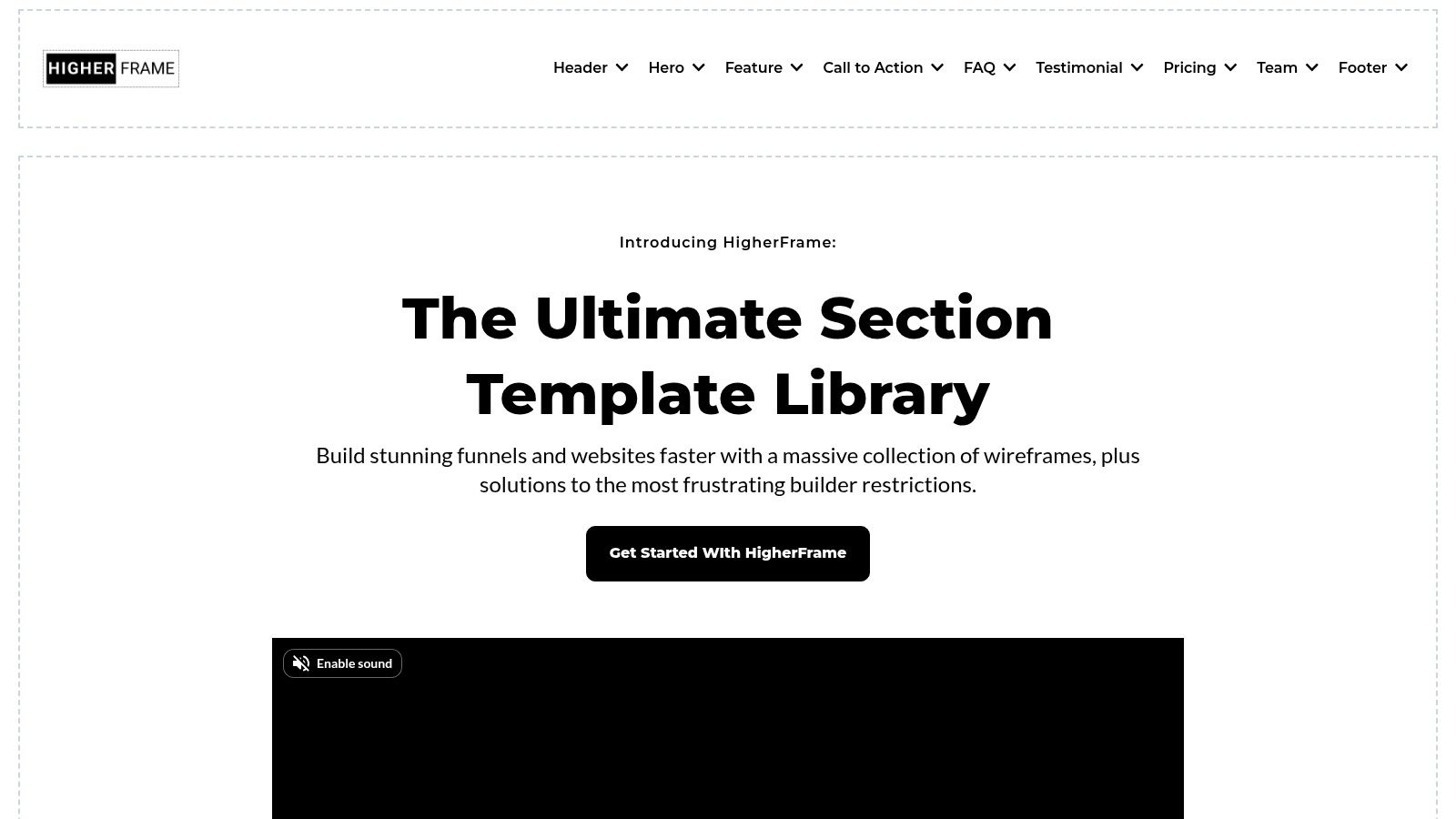
HigherFrame is not a workflow marketplace. It is a design library for HighLevel websites and pages, with more than 1,200 section and page variations shown in its product positioning. That makes it relevant to the front end of an industrial funnel, where page structure affects the quality of information entering the CRM.
Use the page to qualify the inquiry
A machine shop may need separate pages for prototype machining, production runs, replacement parts, contract manufacturing, and equipment support. HigherFrame can speed up the layout for those pages, including capability sections, comparisons, proof, FAQs, and calls to action.
The form still determines whether the workflow can route the lead correctly. Ask for material, tolerances, quantities, drawing status, equipment needs, and target delivery timing where those details affect qualification. A generic “Contact us” form leaves sales and estimating teams without enough information to assign an owner or prioritize the opportunity.
Practical uses include:
- RFQ pages: State which drawings, specifications, files, and project details buyers should submit.
- Capability pages: Connect each technical capability to a relevant inquiry or consultation.
- Demo pages: Give equipment buyers a clear booking path.
- Resource pages: Exchange technical content for identifiable contact data.
Use the library when page production is slowing work across brands or sub-accounts. It can improve the intake experience, but it does not create pipeline movement, notifications, follow-up, attribution, or estimating logic. Those functions still require a GoHighLevel workflow template, snapshot, or custom build.
Before importing a page, run a simple acceptance test. Confirm the form fields map to the workflow, the submission creates the intended opportunity stage, and the correct salesperson or estimator receives the task. Test one controlled inquiry before sending paid traffic. If the main failure is an internal handoff rather than weak page structure, repair the workflow before redesigning the page.
10. GHL Spark snapshots, AI agents, and design library
GHL Spark takes a more boutique, focused approach, offering individual snapshots, AI agent templates, and HighLevel-built landing and sales pages. The visible examples make it easier to judge a specific asset before buying, and a la carte access avoids forcing every buyer into a large bundle.
A sensible option for controlled pilots
For a local service business, a single lead-response, qualification, or booking asset can be a practical pilot. You can import it into a test sub-account, replace the branding and service details, run sample contacts, and observe the handoff before expanding.
For industrial teams, the same approach works when the pilot has a narrow boundary. Start with one inquiry type, such as a request for a capabilities conversation. Don't begin with every product family, territory, and exception in one workflow. That creates an expensive debugging problem before you know whether the basic path is useful.
GHL Spark's pre-trained AI agents may help with initial response and booking, but technical audiences demand careful testing. Give the agent approved answers, define prohibited claims, and create a clear route to a human when the prospect asks about engineering details. The agent should support the sales process, not become an unapproved technical authority.
The limitation is coverage. A smaller library may not contain your niche, and support capacity may be lighter than what enterprise-oriented providers offer. That's acceptable for a pilot if your team owns the implementation and documents every change.
Use GHL Spark when you want to test one asset without committing to a broad system. Skip it if you need extensive multi-location governance immediately and don't have an internal owner for version control.
Top 10 GoHighLevel Workflow Template Resources, Comparison
| Item | Core features (✨) | UX / Quality (★) | Price / Value (💰) | Target audience (👥) | Unique selling point (🏆) |
|---|---|---|---|---|---|
| HighLevel Template Library (official) | ✨ Workflow templates, industry presets, native install/preview/rollback | ★★★★, official, stable, documented | 💰 Included with platform; low friction | 👥 Manufacturers & in-house teams needing fast starters | 🏆 Official, maintained, native preview & rollback |
| HighLevel Marketplace – Templates inside the App (official) | ✨ Centralized free/paid templates, one-click installs, seller tools | ★★★, large variety; quality varies by seller | 💰 Free + Paid listings; vet before buying | 👥 Agencies & power users seeking niche/advanced workflows | 🏆 Largest in-app catalog with niche options |
| HighLevel AI Agent Templates (official) | ✨ Prebuilt chat & voice agents; workflow integrations; bundled assets | ★★★, accelerates pilots but needs training/testing | 💰 Platform feature; pilot to validate ROI | 👥 Teams testing AI lead triage & booking | 🏆 Turnkey chat & voice agents for qualification/booking |
| Extendly – Ultimate Automation Library & Snapshot Store | ✨ Vertical snapshots, Automation Library, done-with-you setup | ★★★★, deep catalog, strong onboarding | 💰 Premium one-time fees; license limits may apply | 👥 Agencies scaling multi-account deployments | 🏆 White‑label support + robust onboarding materials |
| HL Pro Tools – Snapshot Library and Branded Support | ✨ Vertical/SaaS snapshots, docs/videos, Snapshot Mastery System | ★★★★, strong enablement reduces support load | 💰 Premium; confirm time-boxed/promotional inclusions | 👥 Agencies & multi-location industrial clients | 🏆 Branded support + team enablement systems |
| Growthable – GoHighLevel Snapshots with White-Label Support | ✨ Compliance/messaging snapshots, white-label support, promos | ★★★★, practical, ops-focused builds | 💰 Mid-range; promo or small setup fees | 👥 Ops-minded agencies & compliance-sensitive clients | 🏆 A2P/10DLC messaging compliance + outsourced support |
| Top GHL Snapshots – Independent Snapshot Marketplace | ✨ Vertical catalogs, detailed snapshot pages, tiered options | ★★★, centralized comparison; quality varies | 💰 Paid marketplace; premium snapshots can be costly | 👥 Agencies serving varied niche/local-service industrial niches | 🏆 Snapshot preview pages for side‑by‑side comparison |
| HighLevelKit – Snapshot Marketplace | ✨ Curated snapshots, trending functional automations, direct import | ★★★, useful alternate source; smaller library | 💰 Paid; smaller catalog, variable SLAs | 👥 Agencies needing practical functional builds not in official market | 🏆 Curated, trending automations for quick import |
| HigherFrame – Section and Page Template Library for HighLevel Sites | ✨ 1,200+ sections, builder patterns, design systems | ★★★★, speeds page production; improves UX for technical buyers | 💰 Paid; high ROI if building many pages | 👥 Marketers & designers creating RFQ/demo/landing pages | 🏆 Massive section library for consistent, conversion-focused pages |
| GHL Spark – Snapshots, AI Agents, and Design Library | ✨ Single-snapshot purchases, pre-trained AI agents, design gallery | ★★★, transparent, easy to pilot; smaller scale | 💰 A la carte pricing; good for pilots | 👥 Small agencies & teams piloting AI-first response flows | 🏆 A la carte access + pre-trained AI templates |
How to Pick, Import, and Customize Without Breaking Your CRM
Start with the funnel stage, not the template catalog. Write down the exact problem you want to solve, such as “new RFQ receives acknowledgment and reaches the correct estimator” or “unresponsive demo request receives controlled follow-up.” If you can't name the entry condition, owner, desired next action, and exit condition, you aren't ready to import anything.
HighLevel's current template flow lets users preview logic before loading it into the editor, and the platform's support documentation explains that templates can be edited after import (HighLevel workflow template documentation). Use that preview as a technical inspection, not a formality.
A four-step deployment process
- Map the template to one funnel stage. Identify the trigger, required fields, pipeline stage, owner, message channel, and exit condition. Remove steps that don't serve the defined outcome.
- Create a rollback point. Snapshot or otherwise preserve the current account state before importing. Record the existing workflow names, pipeline stages, calendars, tags, and custom fields so you can identify conflicts.
- Replace tokens and language. Remove generic copy and write for your buyer. Use terms such as RFQ, tolerances, lead times, certifications, drawings, material, and application only where they reflect the actual process.
- Instrument the workflow. Apply UTM tracking to the entry source, preserve source data in the contact record, and connect workflow activity to pipeline-stage movement. You need to know whether automation produced a booked conversation, not just whether a message was sent.
Email actions require their own governance. HighLevel says adding an email template to a workflow step creates a copy for that step, and edits can remain local or sync bi-directionally with the original depending on the Sync Edits to Template setting (HighLevel email template guidance). Decide whether the message is a reusable master or a workflow-specific variation before someone edits it.
Templates can also become harder to manage as trigger options expand. HighLevel's support material references newer triggers such as Review Received, Payment Failed, and Form Partially Completed, which makes naming, permissions, testing, and audit history more important (HighLevel workflow template documentation).
When not to use a template
Build custom logic when you need a product configurator, a regulated quoting flow, or a highly bespoke nurture path. Templates are also the wrong choice when your fields, pipeline stages, ownership rules, and opt-out handling are still inconsistent.
Independent G2 review themes capture the central trade-off. Users repeatedly praise “intuitive automation setup,” while other reviews describe the product as “not intuitive,” with overwhelm, a difficult learning curve, and bugs appearing alongside the platform's depth and flexibility (HighLevel reviews on G2). Treat that complexity as an implementation requirement, not a personal failure.
Choose one template, schedule a 60-minute import-and-customize block, test it with controlled contacts, and ship the smallest useful version before expanding. Machine Marketing works with manufacturers, machine shops, and industrial teams to diagnose funnel gaps, install the right workflow templates, and connect CRM automation to a real growth system.
Machine Marketing can audit your lead capture, qualification, pipeline routing, and follow-up system, then adapt GoHighLevel workflow templates to your actual industrial sales process. Visit Machine Marketing to start a practical diagnosis and identify the next automation worth deploying.
