
A supplier's website can determine whether a buyer ever contacts sales. 73% of surveyed B2B buyers pay attention to a supplier's website when deciding whether to submit a request for information, according to Thomas's industrial buyer statistics. Your website isn't just supporting the sales conversation. Buyers use it to decide whether that conversation is worth having.
Most underperforming manufacturing websites have a practical problem: they describe the company without helping buyers decide what to do next. A procurement manager needs evidence of fit. An engineer needs specifications. A maintenance technician may just need the correct replacement component.
The redevelopment question: Can your buyer verify capability, reduce uncertainty, and take the right next step without decoding your organization chart?
These manufacturing website examples offer different answers, from project inquiries and CAD uploads to dealer locators and technical libraries. We'll compare them as working tools, not design showcases, with attention to the buyer each serves and the trade-offs you'd accept by copying its approach.
The same principle applies when you improve manufacturing outreach with technical messaging: make the technical fit clear before asking for a conversation.
Table of Contents
- 1. American Alloy Fabricators
- 2. Protolabs
- 3. Vermeer
- 4. Formlabs
- 5. Caterpillar
- 6. Festo
- 7. M3 Glass Technologies
- How the seven manufacturing sites compare on the attributes that matter in a redesign
- Turn These Examples Into Your Redesign Plan
1. American Alloy Fabricators
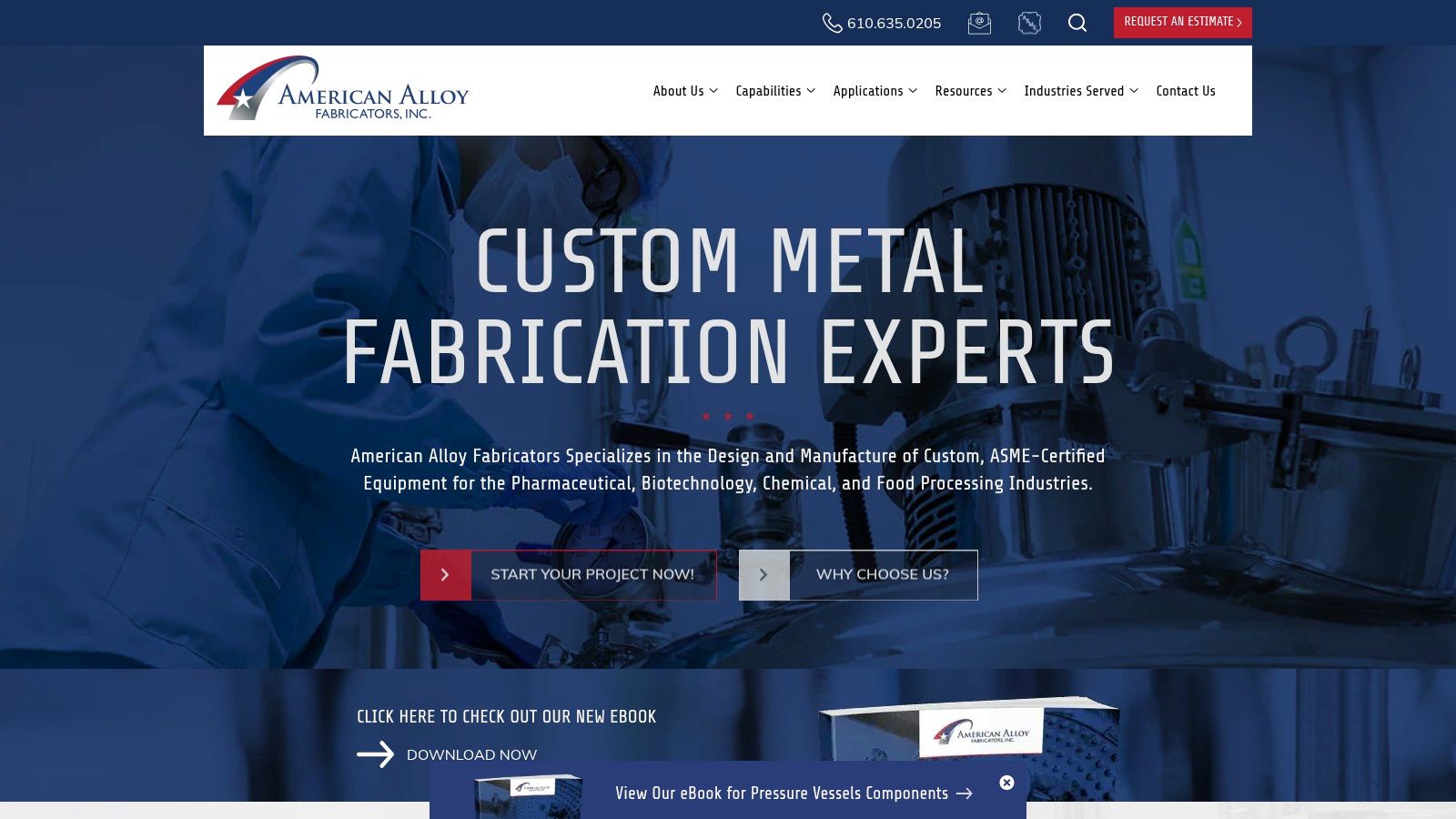
Best for custom manufacturers that qualify projects before quoting. American Alloy Fabricators positions its ASME-certified equipment around pharmaceutical, biotechnology, chemical, and food-processing applications. That specificity gives technical buyers a starting point beyond a generic fabrication claim.
Separate pages for pressure vessels, reactors, and pilot-plant vessels help visitors investigate the equipment they need. Materials and finishing information supports that evaluation, while prominent project-start and estimate-request actions connect capability research to an inquiry.
- Buyer served: Engineers and project buyers evaluating specialized process equipment.
- Conversion path: Equipment or service page, capability review, project inquiry.
- Accepted trade-off: Visitors request an estimate rather than compare standardized prices.
Copy the capability-to-inquiry connection
The useful redevelopment lesson isn't the color scheme. It's the relationship between a specific capability and a relevant commercial next step. A buyer investigating a reactor shouldn't have to return to the homepage to figure out how to discuss one.
For your site, diagnose where visitors lose that connection. If every equipment page ends with the same vague contact link, replace it with a project-focused invitation and explain what information helps your team assess fit. Ask for application requirements and drawings where appropriate, without making every field mandatory.
This is a practical foundation for industrial website design: establish relevance, provide technical evidence, then invite the next action.
Avoid copying the structure wholesale if you sell a broad catalog. Project qualification works for custom fabrication, but repeat buyers ordering standard components need faster product identification. The intended transformation is better-qualified conversations, not just more form submissions.
2. Protolabs
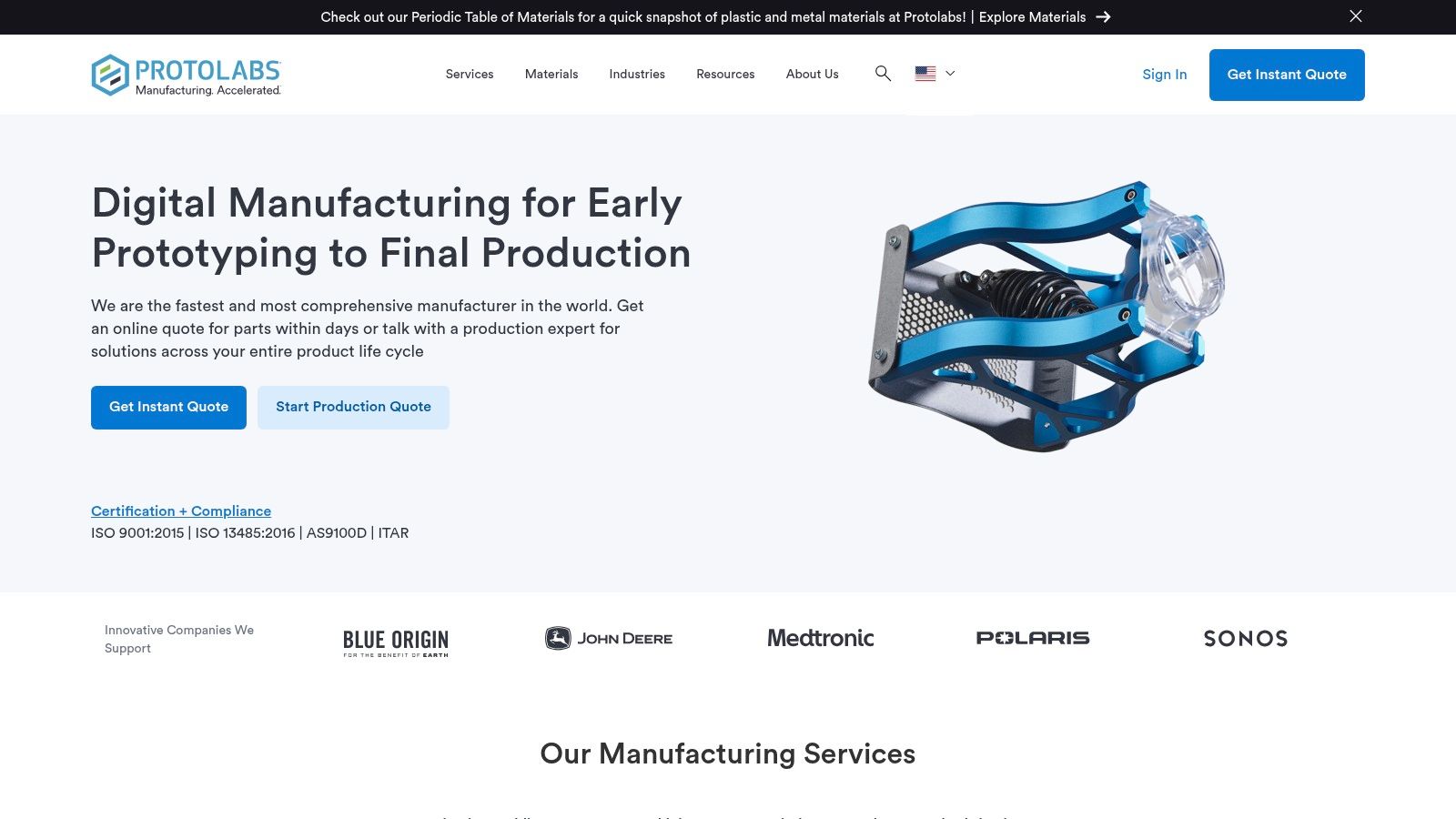
A buyer with a CAD file needs a different experience from a buyer still defining a process. Protolabs supports that distinction through process-based navigation, online quoting, CAD uploads, and access to expert support.
Its services include CNC machining, injection molding, 3D printing, and sheet metal fabrication. Buyers can investigate a manufacturing process, submit part details, and receive manufacturability feedback tied to the quoting workflow. The file becomes the starting point for a useful technical exchange.
That self-service approach matches a documented buyer preference. In Kula Partners' survey of North American industrial buyers, 77% of 263 respondents in 2025 said they'd obtained pricing or lead-time information through a supplier's self-service digital tool without speaking with sales.
Replicate the handoff, not necessarily the software
We don't need to reproduce automated quoting to learn from this example. For a smaller manufacturer, the practical version is a clear upload process connected to a named internal owner.
- Collect useful inputs: Request the drawing, material, quantity, and relevant project constraints.
- Explain the handoff: Tell buyers what your team will review and what happens after submission.
- Preserve human support: Offer a technical conversation when visitors can't confidently choose a process.
The trade-off is complexity. Extensive capabilities and quoting interfaces can overwhelm first-time visitors, and some projects still require additional review. Don't imply that every upload produces an immediate, final commercial answer.
For a manufacturing website that generates leads, diagnose the gap between technical interest and submission. Then remove unnecessary steps while retaining the information your estimators need. Measure usable quote requests, not uploads alone.
3. Vermeer
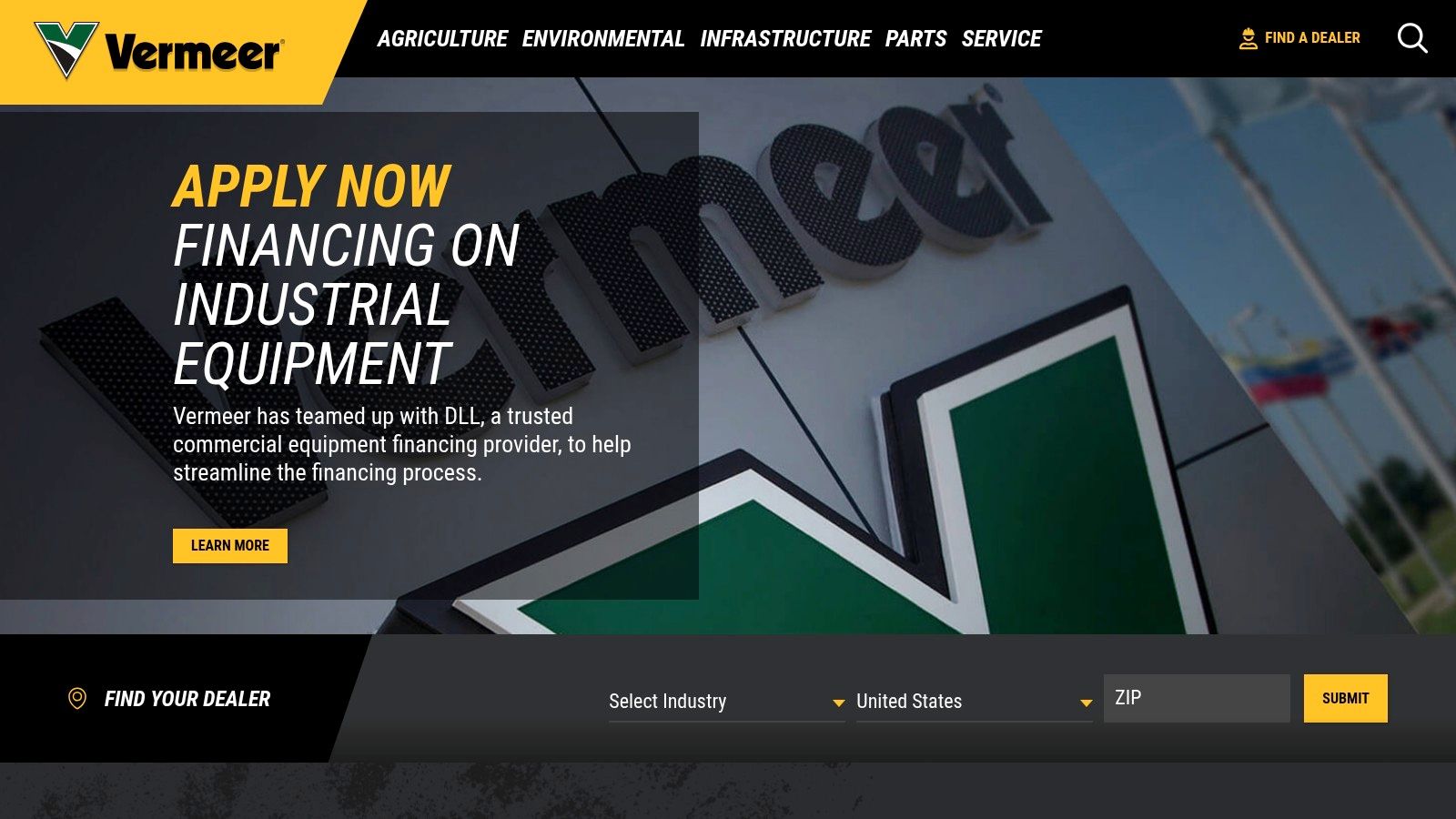
A dealer locator is a conversion tool, not an administrative directory. Vermeer provides a useful model for manufacturers whose sales and support depend on local representatives.
Its North American dealer locator allows visitors to narrow their search by country, industry, state, and ZIP code. Combined with product and industry navigation, that gives an equipment buyer a route from discovery to a relevant local conversation.
The buyer served here may need more than a product specification. They may need help determining availability, discussing an application, or identifying the right service contact. A direct-sales quote form wouldn't necessarily route that request correctly.
Don't count a dealer-search click as a completed handoff. Check whether the buyer reaches a relevant contact and knows what to do next.
Diagnose the last mile
For your redevelopment, follow a representative buyer journey from an equipment page into the locator. Check whether the product or industry context survives the transition, whether results are understandable, and whether sales and service contacts are distinguishable.
The trade-off is that filters require visitors to understand their location and relevant category. A broad equipment range justifies more navigation than a small manufacturer needs. Copy the routing logic, not the entire menu structure.
Readability matters at the point of action. Review your locator labels, contact details, and mobile controls against these bad typography examples, particularly where compact text makes results difficult to scan.
The transformation to pursue is a reliable local handoff. Connect locator interactions to your inquiry process where feasible, and ask dealers whether the resulting contacts match their territory and capabilities. Otherwise, you've improved navigation without proving that buyers receive help.
4. Formlabs
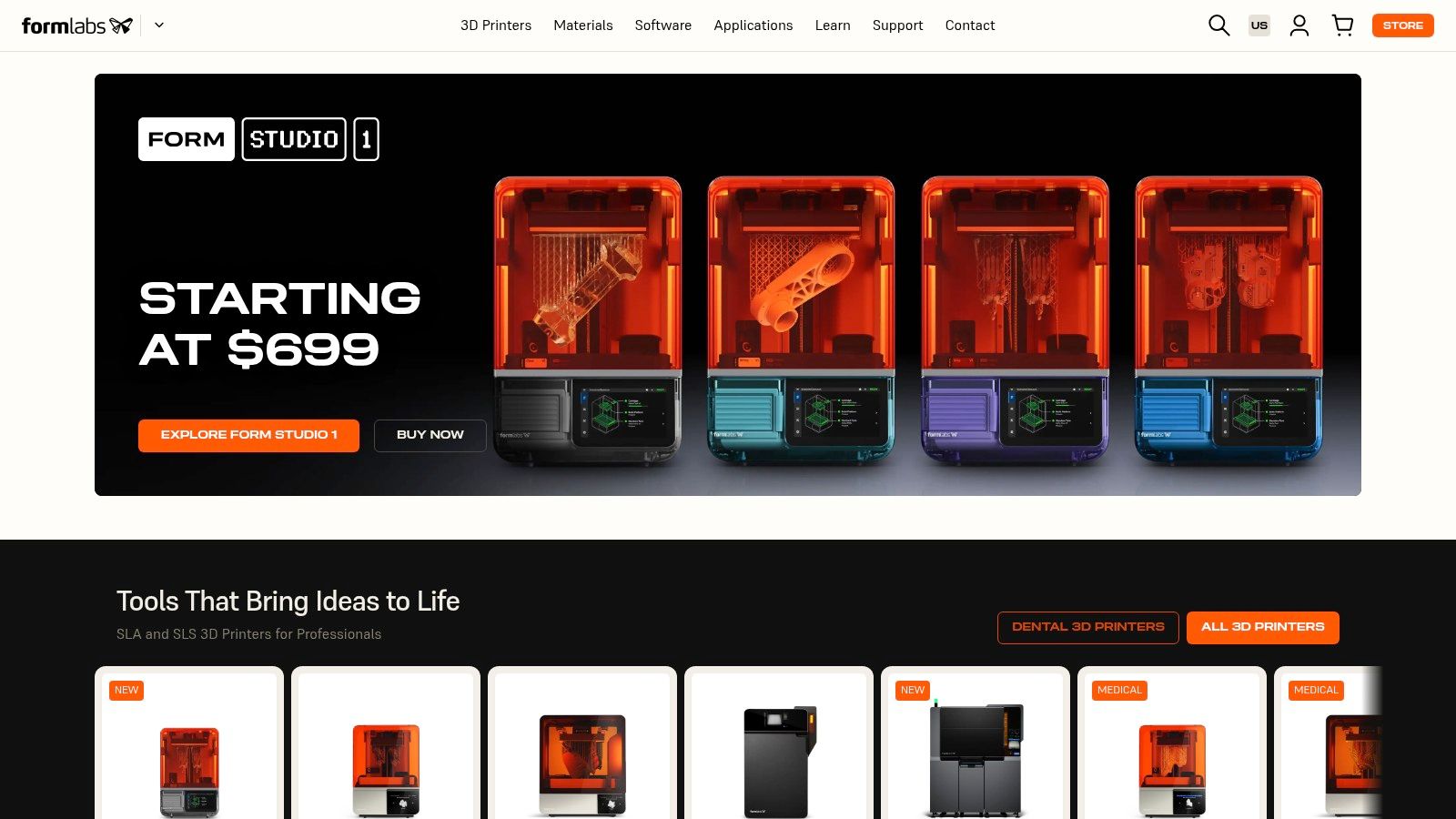
Say an engineer knows the required material properties but hasn't selected a printer or resin. Sending that visitor into an undifferentiated catalog makes them perform the sorting work themselves.
Formlabs offers a more useful pattern. Its materials experience supports browsing through application, technology, printer compatibility, and material properties, with specifications, data sheets, and sample requests for selected products.
Best for specification-led product selection, this approach connects technical learning with product exploration. Engineers can narrow candidates using meaningful constraints instead of relying entirely on product names.
- Conversion path: Application or property filter, material evaluation, supporting documentation, sample request or product exploration.
- Main advantage: Buyers can investigate compatibility and suitability before contacting sales.
- Main limitation: Comparisons operate within the Formlabs product ecosystem, rather than providing a neutral market-wide comparison.
Organize around the selection decision
For your site, begin with the criteria your technical team uses to rule products in or out. Those criteria might include operating environment, compatibility, finish, or material behavior. Build filters only where your product information is complete enough to support them.
The diagnosis is straightforward: can a buyer eliminate unsuitable options without opening every product page? If not, improve the underlying product attributes before investing in an elaborate selector.
A further trade-off is information density. Technical visitors may value extensive specifications, while newcomers need a short explanation of what those specifications mean. We should provide both, with concise summaries above deeper documentation.
Copy the connection between education and evaluation. Avoid publishing an isolated learning library that never leads back to relevant products. The intended transformation is more confident selection, with fewer basic compatibility questions reaching your team.
5. Caterpillar
A website redesign shouldn't treat the sale as the end of the customer journey. Caterpillar is a useful reference when your business must serve prospective buyers, equipment owners, parts customers, and people seeking service assistance.
Its online ecosystem brings equipment, parts, support, and dealer access into the customer experience. For a manufacturer with substantial after-sale needs, that's a more relevant model than a website built entirely around new quote requests.
The conversion path depends on the visitor's job. A prospect explores equipment and contacts a dealer. An owner needs a route to parts or support. Those visitors shouldn't have to interpret the same generic contact form.
Separate buying from ownership tasks
Start your diagnosis with the requests your customer service team handles. Identify which belong to new sales, which concern installed equipment, and which need local service support.
- For prospects: Connect product information to an appropriate sales conversation.
- For owners: Make parts and support routes visible without forcing another product-discovery journey.
- For your team: Capture enough context to route the request without repeated clarification.
The trade-off is scale. Caterpillar's broad portfolio isn't a sensible navigation template for every machine shop or equipment builder. Local pricing, service, and availability may also require dealer contact, so a visible support route doesn't mean every task finishes online.
Copy the separation of customer tasks, not the size of the catalog. A smaller manufacturer might need clearly distinguished routes for equipment inquiries, replacement parts, and technical support.
The transformation is operational as well as commercial. When we send each visitor toward the right team, you can evaluate whether inquiries arrive with useful equipment details and whether staff spend less effort redirecting them.
6. Festo
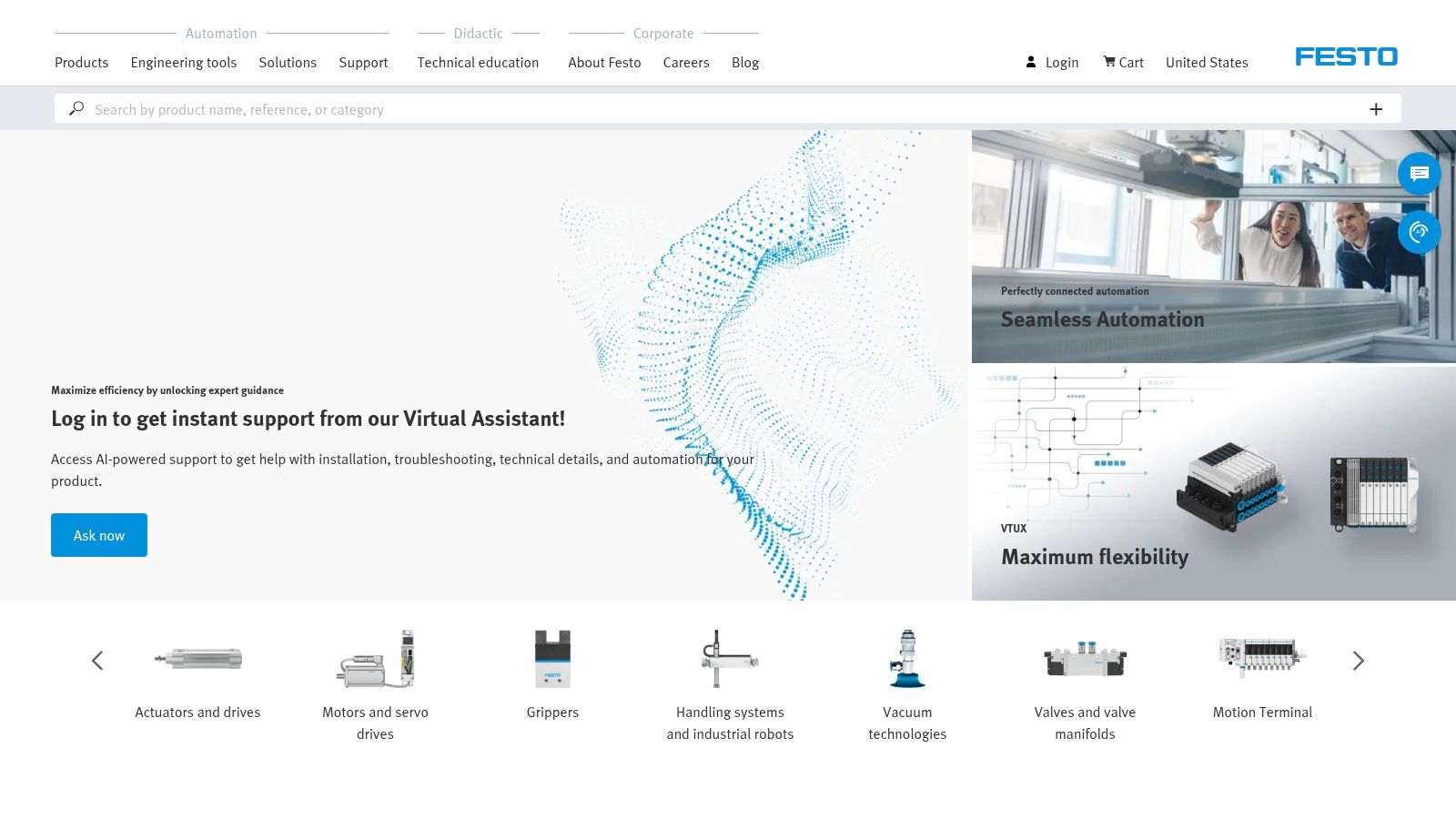
Documentation belongs beside the product, not in a disconnected archive. Festo illustrates this approach through product discovery and technical support resources for automation components and systems, including information for older products.
The buyers and users include engineers, maintenance teams, and system integrators. Their immediate goal may be identifying a component, checking technical information, or supporting equipment already in operation. A sales-first journey can get in their way.
Festo's useful pattern is the integration of supporting information into the technical experience. It lets us think about conversion more broadly than a quote request: finding the correct documentation can be a successful outcome for an existing customer.
Practical rule: Let visitors confirm the component and its technical context before asking them to start a sales conversation.
Treat documentation as maintained product content
For your redevelopment, select a representative product family and trace the relationship between its product page, drawings, manuals, and support information. Diagnose missing documents, inconsistent identifiers, and unclear distinctions between current and older products.
Assign an owner to that information. A document library without a maintenance process can leave buyers uncertain about which version applies, even when the files themselves are easy to download.
The trade-off is technical complexity. Extensive documentation helps knowledgeable users, but less experienced visitors may struggle to select the right product. Provide a visible support path for those who can describe an application but can't confidently specify a component.
Replicate the product-document connection. Avoid copying technical density without clear labels. The transformation should be easier component validation and better-prepared support inquiries, not merely a larger collection of downloadable files. We should test whether users can find the correct resource, rather than celebrate the number of documents published.
7. M3 Glass Technologies
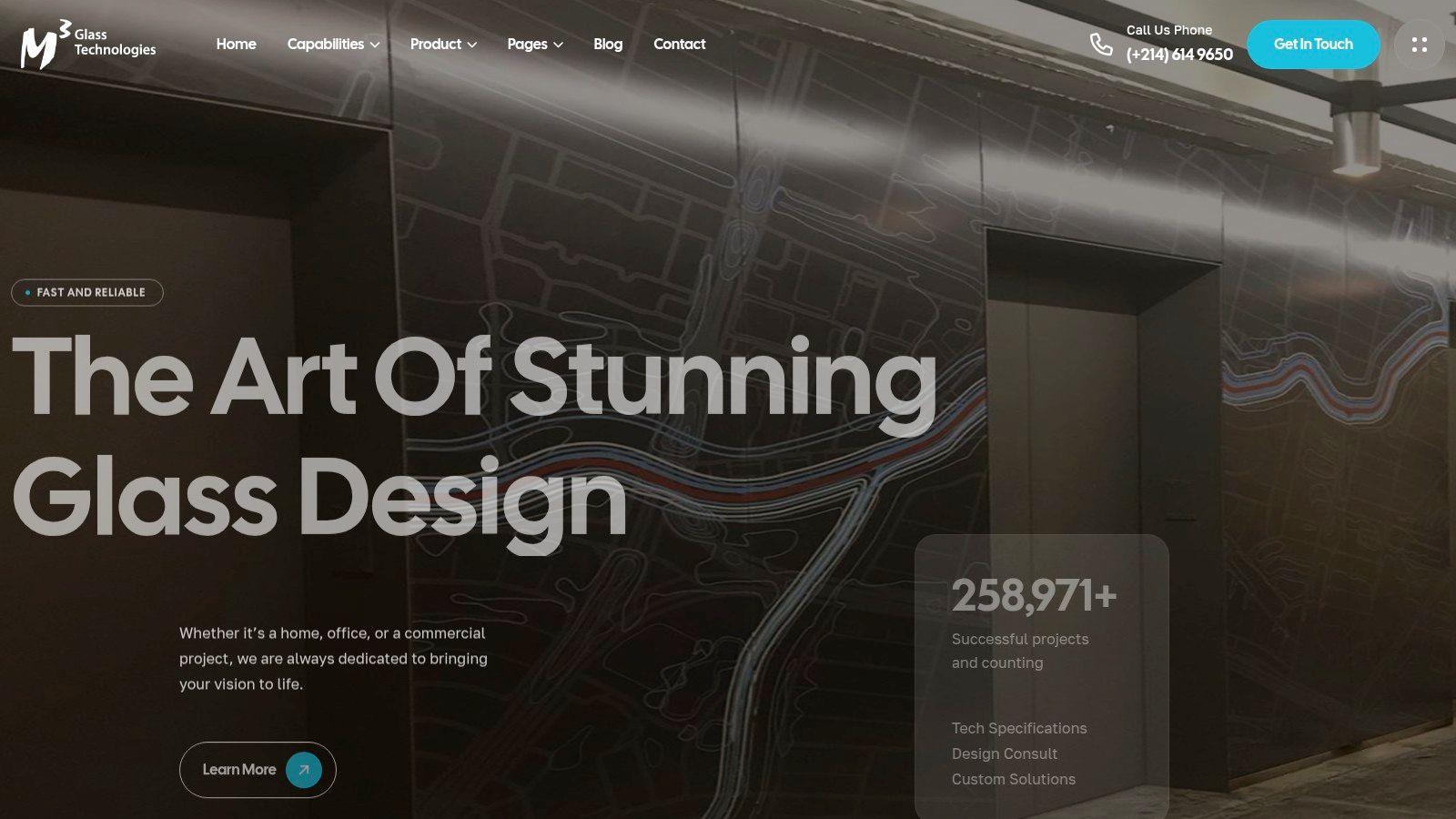
For custom architectural products, buyers sometimes need to see the application before they can describe their requirements. M3 Glass Technologies uses service categories and project imagery to make custom glass possibilities easier to understand.
Its offerings include digital printing, switchable glass, backpainted glass, and laminated glass. A project-led presentation gives designers and project buyers a way to explore these solutions beyond a text-only capability list.
The conversion path moves from visual recognition to technical discussion. A visitor identifies a relevant application, explores the associated service, and starts an inquiry. That's useful when appearance is part of the specification rather than just decoration.
- Copy: Pair project imagery with the relevant manufacturing solution and an obvious inquiry option.
- Add context: Explain the application, material treatment, and constraints buyers should discuss.
- Avoid: Making visitors infer technical suitability from photography alone.
Move from inspiration to specification
The trade-off is clear: a portfolio can establish visual fit without proving engineering fit. Buyers who primarily need dimensions, performance information, or downloadable technical documentation may need a more direct route.
For an architectural application, a resource such as this glass metal door specification guide can support the transition from visual concept to a more specific project discussion. Your own pages should likewise help buyers understand what they need to specify.
Diagnose whether your portfolio produces actionable inquiries or requests with too little context. Then connect each application to relevant capabilities and explain what to send with the inquiry.
The intended transformation is a clearer project brief, not just greater image engagement. We want the buyer to communicate the intended result and your team to understand what must be evaluated.
How the seven manufacturing sites compare on the attributes that matter in a redesign
| Item | Primary Conversion Path | Standout Feature | Best Model For |
|---|---|---|---|
| American Alloy Fabricators | Start a project or request an estimate | ASME-certified, industry-specific capabilities | Custom fabricators qualifying specialized projects |
| Protolabs | Upload CAD files for an online quote | Manufacturability feedback within the quoting workflow | Manufacturers offering digital self-service quoting |
| Vermeer | Find a local dealer for sales or support | Dealer locator with location and industry filters | Manufacturers selling through dealer networks |
| Formlabs | Explore products and request samples | Technical filters for materials and compatibility | Manufacturers helping technical buyers compare options |
| Caterpillar | Explore equipment, parts, service, or dealer support | After-sale resources alongside product discovery | Manufacturers with large catalogs and ongoing service needs |
| Festo | Discover products and access technical support | Documentation integrated with product information | Manufacturers with complex, specification-led products |
| M3 Glass Technologies | Explore project examples and submit an inquiry | Visual portfolio paired with solution categories | Custom manufacturers whose products benefit from visual examples |
Turn These Examples Into Your Redesign Plan
Start by listing the three questions a buyer must answer before contacting you: Can you meet the requirement? What evidence supports that? What should I do next? Then check whether your homepage and service pages answer them within one scroll.
Choose one conversion path to fix first, such as a quote request, dealer locator, or technical download, and measure its completion rate for 30 days. Keep the initial scope narrow enough that you can identify which changes help rather than rebuilding every journey at once.
Match the path to buyer readiness
Don't assume every visitor is ready for a detailed request for quote. In TopSpot's Rol-Tec case study, the added Quick Question and Request a Quote paths generated 58.88% of online leads during the first nine months. That's a useful reason to offer distinct next steps, not a performance promise for your redesign.
Build your measurement process alongside the page changes:
- Record intent: Distinguish technical questions, quote requests, dealer referrals, and support requests.
- Connect the inquiry: Store the originating page and available source information in your CRM.
- Track qualification: Record whether the request fits your capabilities and becomes an opportunity.
- Review the handoff: Check who responds, what information is missing, and whether the buyer receives a useful answer.
Test the working system
A clear journey still fails if the interface is difficult to use. Google's Core Web Vitals guidance recommends Largest Contentful Paint within 2.5 seconds, Interaction to Next Paint below 200 milliseconds, and Cumulative Layout Shift below 0.1. Test your important landing pages and forms, not just the homepage.
Use mobile devices and keyboard-only navigation to check menus, uploads, document controls, and submission errors. Compress portfolio images, label form fields clearly, and confirm that successful submissions reach the intended owner.
The best lesson from these manufacturing website examples is to copy the buyer task, not the entire website. Your redesign should make technical fit easier to validate and the next action easier to complete. If you want an outside diagnosis, contact Machine Marketing for a structured review of your site architecture and lead paths.
Machine Marketing offers manufacturing-focused website messaging, website architecture, and marketing strategy to connect capability pages with clear conversion actions. Visit Machine Marketing to discuss your current buyer journey and identify which part of your website to redevelop first.
